

















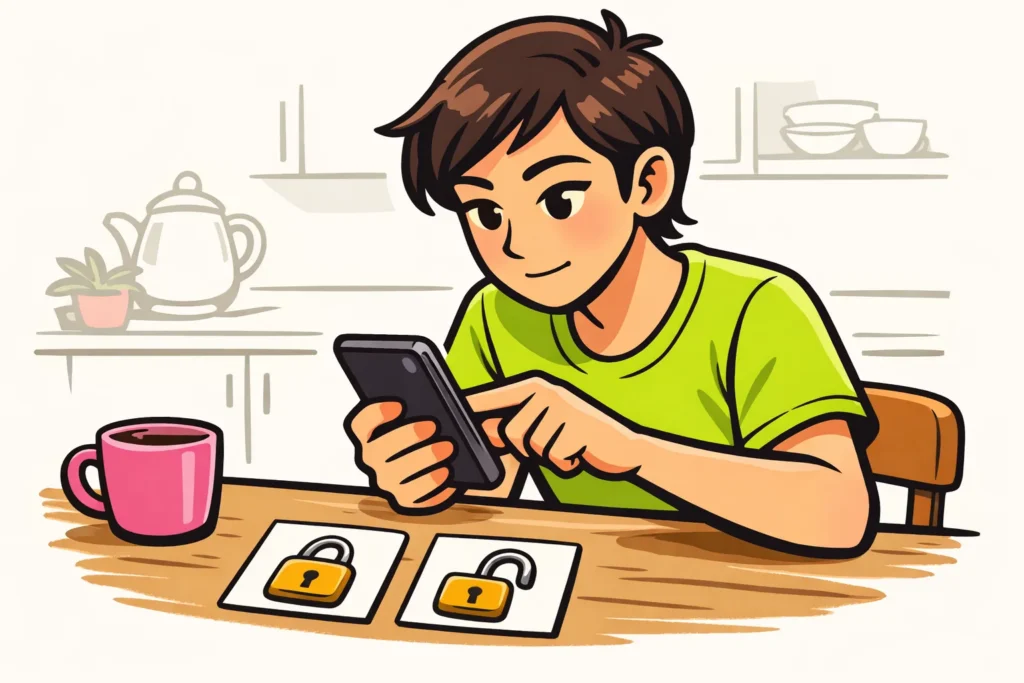
Your TikTok account is private when that option is enabled in your privacy settings. You cannot immediately see why or when it was set. First, check that you have opened the right profile and find the privacy setting for your account. Cannot you choose public? Check whether TikTok displays a notification explaining why.
Below, you will learn how to check this and what you can do if only one video is not visible.
Why is your TikTok account private?
Can someone not see your video, or is it getting few views? That does not indicate that your entire account is private. Check your account’s privacy setting for that.
According to TikTok’s explanation of public and private accounts with a private account, you decide who you approve to follow you.
Do you use multiple profiles? Check the username before changing anything. This way, you can be sure you are looking at the intended account.
Do you see a notification about your age or parental controls? Read which restriction TikTok identifies for your account. Do not simply change your details to get a different setting.
How do you make your TikTok account public?
Look in your account settings for the choice between private and public. The names and locations of the options may differ. Therefore, use these steps as a guide for finding them:
- Open the right profile. Check that the username belongs to the account you want to adjust.
- Find the privacy settings. Look at the setting for your entire account, not for one post.
- See which choice you have. Can you choose public or turn off private? First, read the explanation for that option.
- Change the setting if you want to. Confirm your choice if TikTok asks you to. Then check whether the setting has remained in place.
Is the option missing? Check for any notifications and look for help in the app. Do not simply choose a button that looks similar.
Before making your account public, also consider what you share. For example, think about a video showing your house number or your child’s school. Do you want a larger group to be able to view it?
Why is a TikTok video not visible?
A public account does not mean that every video has the same audience. In the explanation of post visibility TikTok explains that you can set who may see each post.
Open the video in question. In the options for that post, look for who may view the video. Check that the choice matches the people you want to share the video with.
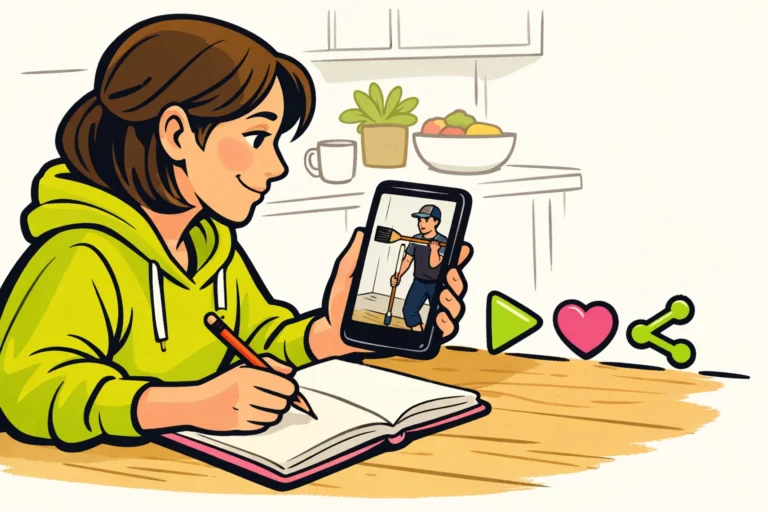
Suppose you want to share a video of your walk. Your account is public, but a smaller group has been selected for the video. In that case, you need to check the video’s setting, not the setting for your entire account.
Also ask what someone means by “I cannot see your video”. Can that person not open the video? Or does it simply not appear automatically while scrolling? You can read more about the latter at why TikTok does not show your videos to your followers.
What do others see on a private TikTok account?
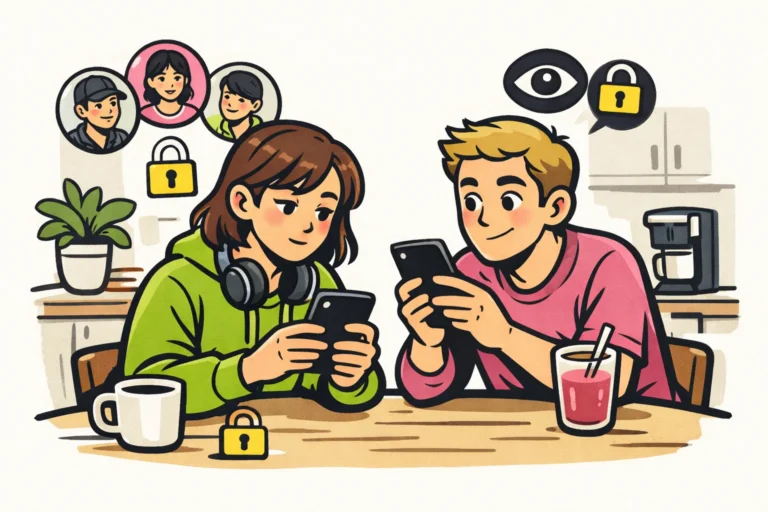
Do not assume that nobody can see anything on your profile when your account is private. Do you want to know what someone else sees? Ask someone who is not an approved follower to look up your profile.
Have that person check three things separately:
- Can your profile be found?
- Which details are visible on your profile?
- Can that person open the intended video?
This helps you determine whether the issue is finding your profile, viewing your profile or opening one video. You do not need to share a password for this. Your username is enough to search for your profile.
What do you do if your TikTok account cannot be made public?
The next step depends on what is going wrong. See which situation applies to you:
- You do not see an option for public. Read the explanation for the setting. Is there a notification about age or parental controls? Note the exact wording.
- The change does not stay in place. Check that you are still on the right profile. Note what you choose and what you see afterwards. This will help you report the problem clearly to TikTok.
- You cannot log in. Read the explanation about a locked TikTok account. Being unable to log in is a different problem from a profile being private.
- You see a notification about a permanent ban. Read how to appeal a permanently banned TikTok account.
Are you requesting help through the app? Explain whether it concerns your entire account or one video, and include the notification you see. Do not share a password or login code. If you also publish your own content, our TikTok services includes packages for followers and likes. The product pages show the available quantities and prices.