
















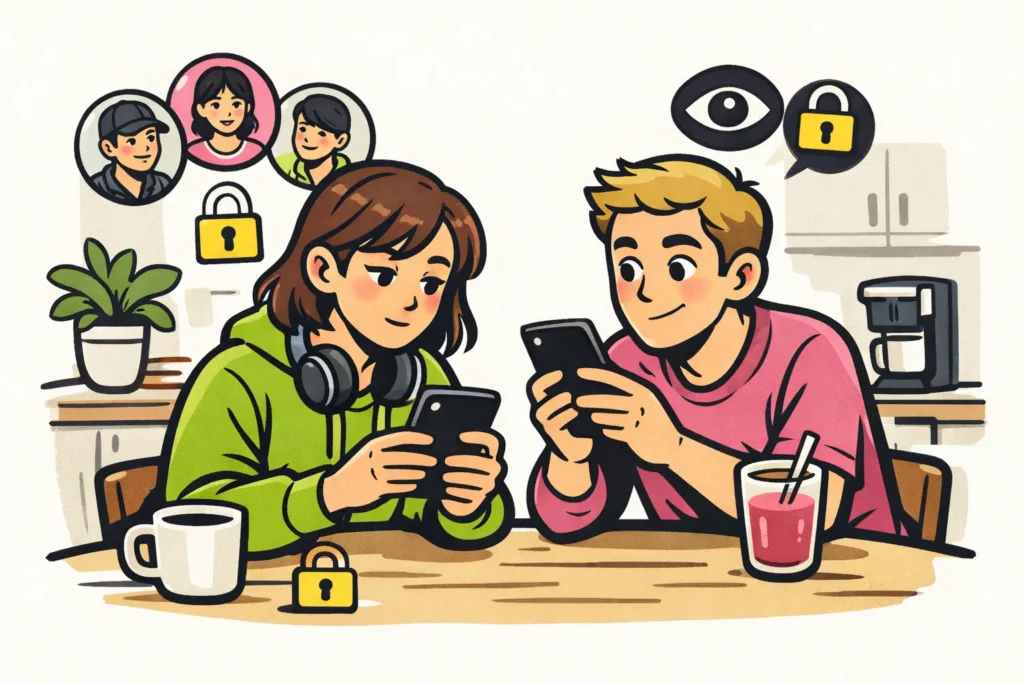
Yes, others may be able to see who you follow on TikTok. It depends on your privacy settings. The “Following” list contains the accounts you follow. The “Followers” list contains the people who follow you. Want to hide your following list? Open your privacy settings and see whether you can choose to let only you view that list.
Below, you’ll read where to find that choice and how to check what others can see.
Who can see who you follow on TikTok?
Your own followers may also be able to see who you follow. So don’t assume that your following list is visible only to you. This is especially worth checking separately if you have a public profile.
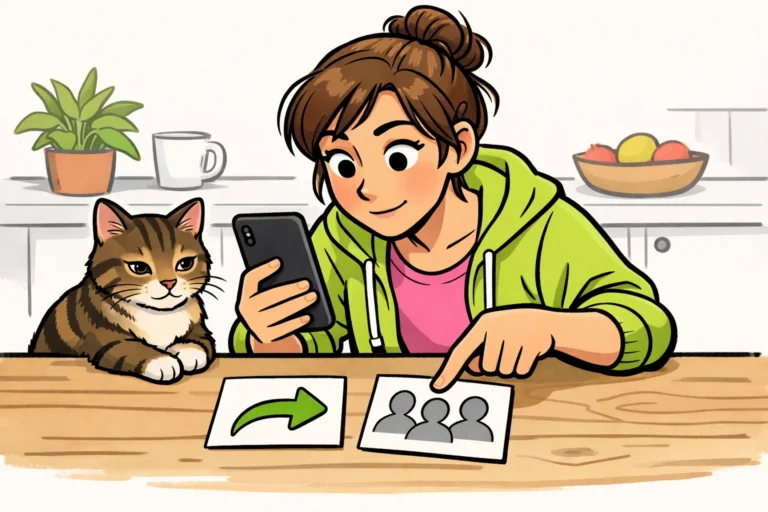
For example, do you want to hide which cooking video creators you follow? Then you need to check “Following”. The two lists on your profile each contain different information:
| List | What does it contain? |
|---|---|
| Following | Accounts you follow, such as a friend or a cooking video creator. |
| Followers | Accounts that follow you. |
TikTok explains in its guide to public and private accounts that visibility depends on your account choice and privacy settings.
How to hide your TikTok following list
First, check whether you can hide the following list separately. If that option is available, you don’t need to make your entire account private for this.
- Open TikTok and go to your own profile.
- Open the settings and find the privacy section.
- Look for a setting that determines who can view the list of accounts you follow.
- Can you choose to let only you see the list? Select that option.
- Then check with another account whether the list can still be opened. The steps are provided at the bottom of this article.
The name of the setting may vary. The option may also not be available for every account. So pay attention to what the setting does, not just to the words “Following list”.
Can’t find a suitable option? Don’t assume that your list is hidden. Search the app’s help section for information about who can see the accounts you follow. Also check from another account what is visible.
Does your TikTok account need to be private to hide your following list?
Not necessarily: if you can hide the following list separately, a private account isn’t needed for that. Conversely, having a private account doesn’t automatically mean that your current followers can’t view your following list.
In an older guide to choosing your TikTok followers TikTok described that with a private account, you approve followers and share content only with approved followers.
That guide doesn’t say what an approved follower can now see of your following list. Check the separate setting for the list to find out. Do you also want to control who you’re allowed to follow? In your privacy settings, look for the private account option.
What remains visible when you hide your TikTok following list?
A hidden following list doesn’t hide all your contact with others. For example, a public comment under a video may still be visible. That comment doesn’t prove that you follow the creator, but it does show that you commented on the video.
Mutual contacts or notifications may also provide clues. So you hide the list itself, not everything someone could use to infer who you’re in contact with.
Want to know what others can see during other activities? Also read whether you can see who viewed your TikTok profile, who views your TikTok story and whether you can see who shared your TikTok. Different questions apply to this than to opening your following list.
Check who can view your TikTok following list
View your profile from another account. On your own account, you see what you’re allowed to view. That isn’t always the same as what someone else sees.
- Ask a friend to open your profile, or open it with a second account of your own.
- From that account, tap “Following”, or ask your friend to do so.
- Check whether the names of the accounts you follow appear. Seeing only a number is different from being able to open the list.
- If possible, test this with an account that follows you and an account that doesn’t follow you.
Ask your friend only what is visible; don’t share a password. Can a follower still see the names when you don’t want them to? Check the setting for your following list again and verify the selected option. If you also publish your own content, our TikTok services includes packages for followers and likes. The product pages show the available quantities and prices.