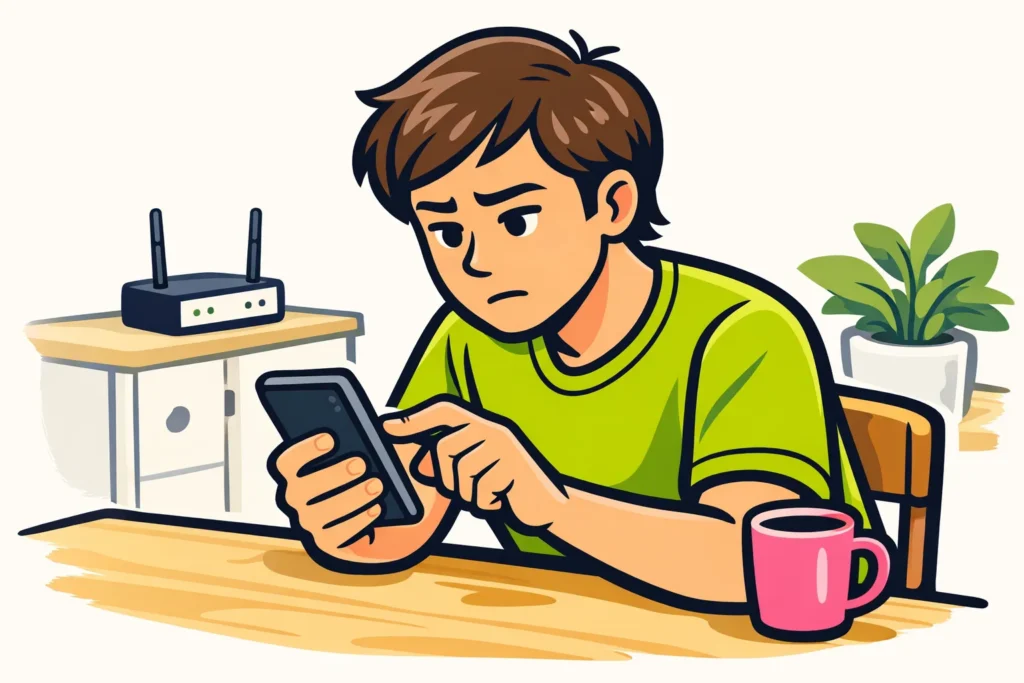
If you can’t follow anyone on TikTok, it could be due to a temporary restriction, an app error or your internet connection. Can’t you follow just one person? Then the issue may be with that account. First, check whether you see an error message. If TikTok says you’re following too quickly, stop trying and read what it says.
Choose what you recognize below and read which steps you can try.
Check what is going wrong when following on TikTok
According to TikTok’s explanation of following you open someone’s profile and tap Follow. What happens for you after that?
| What do you notice? | What do you do first? |
|---|---|
| You see a message about following too quickly. | Stop following and read whether the message says what you need to do. |
| It only doesn’t work for one account. | Check whether the profile is private and your request is still waiting for approval. |
| The button switches back to Follow. | Open the profile again later. Does it happen again? Check your connection. |
| Videos and profiles also don’t load properly. | Test your internet and fully close the app. |
| Everything works except following new accounts. | Check TikTok notifications. If following continues to fail, report the problem. |
Don’t see a warning and aren’t sure whether it affects just one profile? Try one other account that you genuinely want to follow. You don’t need to go through an entire list to test this.
What does following too quickly on TikTok mean?
This message indicates that TikTok is slowing you down from following at that moment. This can happen after you have tried to follow several people in quick succession. The message does not say exactly which limit applies to your account.
Stop making new attempts. Does TikTok give a waiting period or a next step? Follow it. If no time is specified, try again once later, not every few minutes.
There is no fixed number of accounts per hour or day that you can use as a safe limit. Also, don’t assume that every restriction will be over after 24 or 48 hours.
Why can’t you follow one account on TikTok?
Can you follow other people? Then first look at the profile where it doesn’t work.
For a private account, wait for approval
For a private account, you send a follow request. The owner must approve it first. Is your request still pending? Then you don’t need to tap again. You are waiting for permission; that is different from being unable to follow at all.
A failed follow attempt does not prove a block
A block can explain why you can’t follow one account. But a disappeared profile or failed attempt does not prove that someone has blocked you. The account may also no longer be available, or the profile may not load properly.
Check that you have the correct username. The Follow button alone does not tell you what is happening.
Do you want to know who can view your list? Then read who can see who you follow on TikTok.
Following on TikTok isn’t working: test the app and your internet
Don’t get a clear error message? Perform these checks in order. Change one thing at a time so you can see which step helps.
- Test your internet. Open a regular web page. Doesn’t that load either? First resolve the issue with your connection.
- Try another connection. Switch from Wi Fi to mobile data, or the other way around. Keep your data allowance in mind.
- Fully close TikTok. Open the app again and view the profile once more.
- Check whether you can update TikTok. Check your phone’s app store for an update.
- Restart your phone. Then check whether TikTok loads properly before trying to follow again.
Do other apps work properly, but TikTok doesn’t? Then the problem may be with TikTok or the app. That does not yet prove there is a general outage. If little is working in TikTok, wait a moment before changing more settings.
Why does the button switch back to Follow?
Does the button switch back immediately? Then your attempt to follow someone may not have been saved. This could be due to your connection, an app error or a restriction. The button alone does not show the cause.
Open the profile again and see what the button says now. If it keeps switching back, perform the checks above. Don’t keep tapping the same button.
Does someone disappear from your list only later, even though you followed them earlier? Then read about TikTok appearing to automatically unfollow accounts.
What should you do if TikTok limits following?
Does a TikTok message say that something is limited? Read what you can’t do and which explanation is provided. Being unable to follow does not immediately mean that your entire account is blocked.
- Save the exact message, for example with a screenshot.
- Follow any stated waiting period or next step.
- Only appeal if TikTok offers that option with your message.
- Still can’t follow afterwards? Report the problem and explain what you have already checked.
Reopening the app can help with an app error. You cannot assume that this will also remove a restriction on your account. Another internet connection is only a test of your connection, not a way to bypass a restriction.
How do you report a problem with following to TikTok?
According to TikTok’s explanation of reporting a problem go to the menu through Profile. Then open Settings and privacy and choose Report a problem.
The names may differ by language or app version. Can’t you find the option? Check the linked help page. Don’t keep looking for a specific follow up button if it is missing for you.
In your report, tell TikTok:
- Since when you have been unable to follow anyone.
- Whether it happens with one account or several accounts.
- Which message you see, or what the button does.
- Whether videos and other profiles work.
- Which checks you have already completed.
Fictional example of a message: “Since this morning, I haven’t been able to follow two accounts. The button immediately switches back to Follow. I don’t see an error message. Videos do load. I reopened the app and tried both Wi Fi and mobile data.”
If possible, add a screenshot showing the problem. Leave out your password and other private information.
Is another TikTok feature not working besides following?
Another feature that isn’t working does not have to have the same cause. For example, can’t you pin a comment either? Then read why you can’t pin comments on TikTok. Once your account is working as intended, you can explore our TikTok services to compare packages for followers and likes for your public profile or content.
























