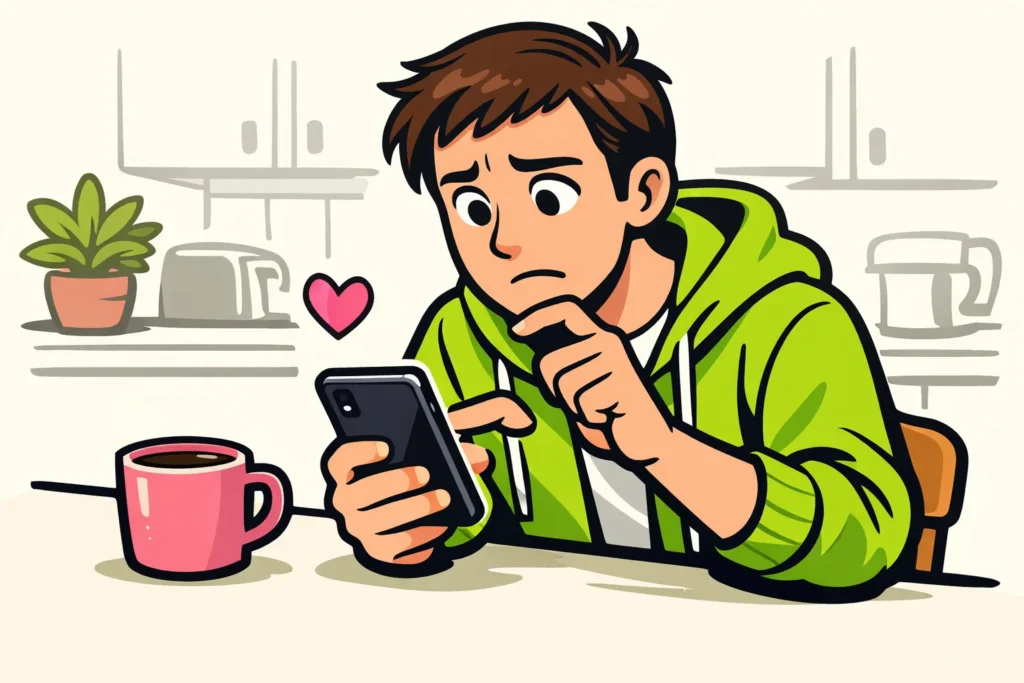
If you cannot like videos on TikTok, it may be due to your connection, an error in the app or a restriction on your account. First, try one other video and look for any notifications. A like disappearing does not immediately mean that your account is restricted. So first check exactly what the heart icon does.
Below, you can read which checks match what you see on your screen.
Why is the like button on TikTok not working?
That depends on what is going wrong. Does the heart icon not react at all, does it become coloured briefly or do you receive a warning? Each signal calls for a different initial check.
According to TikTok’s explanation of liking videos you can tap the heart icon or tap a video twice. Does one method not work? Then try the other on a video you have not liked yet.
| What do you see? | What should you check first? |
|---|---|
| The heart icon does not react and the video stutters. | Check whether other videos and apps are also loading slowly. |
| The heart icon changes, but your like disappears later. | Open the same video again and check your connection. |
| You see a notification when liking. | Read the text and take a screenshot. |
| You cannot like one particular video. | Try one other video to see whether the problem occurs there too. |
Why does my like disappear on TikTok?
Your like may not have been saved properly, or the app may not be showing clearly whether you liked the video. If the heart icon briefly changes colour, the app is responding to your touch. However, that does not yet tell you why the like disappears afterwards.
Suppose you like a video on the train just as your connection drops. Is the heart icon empty again later? Then check your connection first. This is one possible cause of a disappeared like.
Open the same video again once your connection is stable. Check whether the heart icon is still coloured and, if necessary, try one other video. Do not tap the heart icon repeatedly in quick succession. That makes it harder to tell whether your like remains.
Note whether it happens with one video or with several. Does the problem keep returning? Then continue with the checks below.
What can you try if TikTok likes are not working?
Perform one check at a time and then try liking a video again. This way, you can see which change makes a difference.
- Read any notification. Does it say that you are acting too quickly or that you need to wait? Then stop testing and follow the instruction. Without such a notification, there is no fixed waiting time that you can use as a solution.
- Check your connection. Open another app or website. If possible, switch between Wi Fi and mobile data. Keep your data allowance in mind when doing so.
- Close TikTok completely and open the app again. Then check one video to see whether your like remains.
- Check whether you can update TikTok. Check the official app store on your phone to see whether an update is available. An update may help with an error in the app, but it does not always solve the problem.
- Restart your phone. Try this especially if other apps are also freezing or not responding.
Do not log out without thinking. First check that you know how to log in again and that you have everything you need for this. Are you already unable to log in? Then read what you can do if logging in to TikTok is not working.
How do you check your TikTok account status?
TikTok provides a check for problems with your account’s features. For this, read the official information about your TikTok account status.
Also check messages and warnings you have received in the app. Pay attention to the following:
- Which feature is the notification about?
- Does it say why that feature is not working or what you need to do?
- Does it say how you can ask for help or submit an appeal?
Follow the instructions in your notification. Cannot you find the check? Search TikTok’s help for ‘account status’. The names on your screen may differ depending on the language and version of the app.
Does it say nothing about liking? Then the cause is not yet clear. A disappeared like alone does not prove an account restriction. When asking for help, also mention that you do not see a notification.
When should you ask TikTok for help with liking?
Ask TikTok for help if liking continues to fail on several videos after these checks. Do this also if you do not understand a notification or want a stated restriction to be reviewed. Search TikTok for help or the option to report a problem.
Mention in your message:
- What the heart icon does when you tap it.
- Whether the problem occurs with one or several videos.
- When you first noticed it.
- The exact text of any notification.
- Which checks you have already performed.
- Your phone model and the version of TikTok, if you can find them.
For example, you could write: ‘The heart icon becomes coloured, but is empty again when I reopen the same video. This happens with several videos. I reopened the app and tried both Wi Fi and mobile data. I do not see an error message.’ Adapt this example to your situation. Cover private information if you send screenshots.
Are other features not working either? Then read separately why you cannot make a 10 minute video on TikTok or why you cannot pin comments on TikTok. These problems do not necessarily have the same cause as your disappeared likes. Once your account is working as intended, you can explore our TikTok services to compare packages for likes and followers for your public profile or content.
























