Fewer views do not immediately mean that you have a TikTok shadowban. Users use this term to describe a suspected restriction on their reach that is not reported. First check whether TikTok displays a notice about your video or account. Then look at your analytics, if available, to see whether your video is still getting views through For You: the page with recommended videos.
Below, you can read how to check this and what you can do with the result.
What does a TikTok shadowban mean?
Shadowban is a word for a suspicion, not something you can determine from a low number of views. There is a difference between a video being viewed less, a reported restriction and a blocked account.
According to TikTok’s explanation of accounts that are not recommended repeatedly posting inappropriate content can lead to exclusion from For You and reduced discoverability in search results.
A notice about such a restriction therefore gives you something specific to examine. Is your account blocked? Then read more about appealing a permanently blocked TikTok accountThat requires a different approach from getting fewer views.
How do you check for a possible TikTok shadowban?
Look at several videos and compare them in the same way. One video says little about your entire account. Asking a friend to search for your video also does not give you a complete picture.
- Note when the drop began. Write down which videos you have posted since then and how many views they have.
- Compare videos that have been online for the same length of time. For example, always look at the number of views after two days. Do not compare a video that is an hour old with one that has already been online for a week.
- Choose videos that are similar to each other. Pay attention to the topic and length. Compare them with ordinary, recent videos, not only with your most popular video ever.
- See where the views come from. Do your analytics show traffic sources? These are the places people used to find your video. Look for For You or For You page.
- Check your notices as well. A message about a specific restriction says more than a declining graph alone.
Do you see views through For You? Then your video was viewed through that page during the measured period. This does not automatically tell you whether your video is still being shown there now. No views through For You, or no data about it, also do not prove a shadowban.
| What do you see? | What does that mean? | What do you do next? |
|---|---|---|
| One video has far fewer views. | That video is being viewed less. This does not prove a restriction on your entire account. | Compare it with other recent videos. |
| Several videos are getting fewer views. | The drop occurs more often, but you still do not know why. | Check notices and see what you have changed about your videos. |
| There are views through For You. | The video was viewed through recommendations during that period. | Check which period the figures cover and review any notices. |
| There is a notice about a restriction. | You have a specific decision that you can review. | Save the notice and read what you can do. |
Is the number actually zero? Then read the explanation of why your TikTok video has 0 views.
Why is your TikTok suddenly getting fewer views?
A different topic, a longer video or an unclear opening can perform differently with viewers. So look at what has changed in your videos. This helps you look for possible explanations. It still does not tell you how TikTok assessed your video.
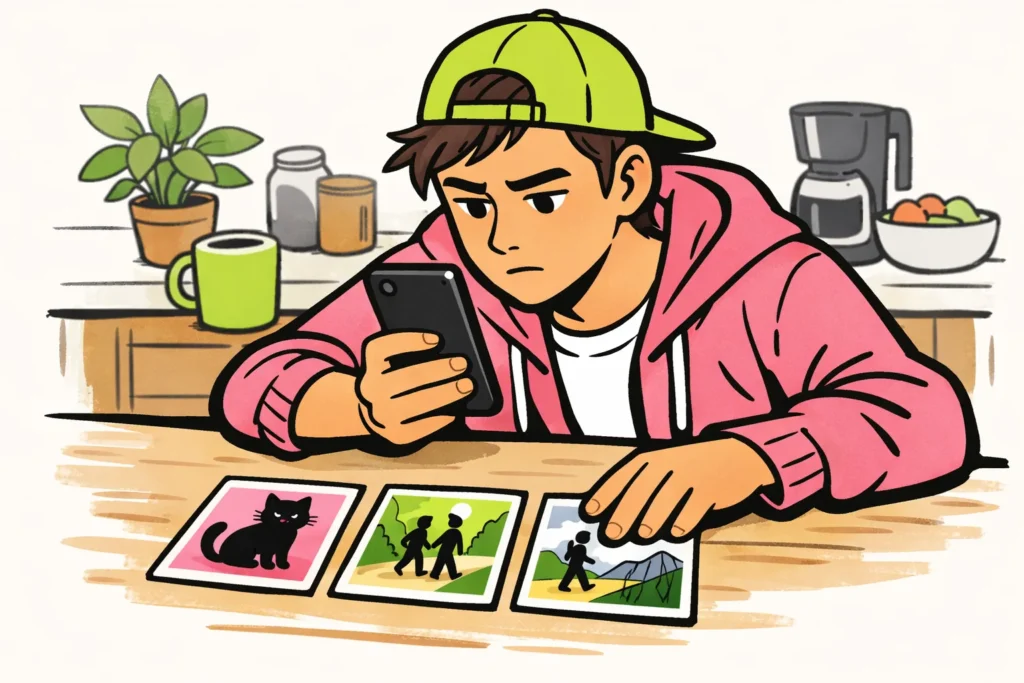
A fictional example: your short video about your cat gets many views. You then post a long video of a walk. It gets fewer views. This does not prove a restriction: you changed both the topic and the length.
Does only that walk get fewer views, or does this also happen with videos that resemble your earlier posts? This distinction helps you decide what you want to check next.
What should you look for in TikTok notices about restricted reach?
Look for messages from TikTok about your video or account. Read whether the notice concerns one video or your entire account. Save the text, date and link to the video.
According to TikTok’s explanation of violations and appeals reviewed content may be removed or excluded from For You. After a successful appeal, that content may once again be eligible for recommendations.
By lodging an appeal, you ask TikTok to review the decision again. Does the notice offer that option? Then read which information you need to provide. If the option is missing, ask for an explanation through the help available in the app. Include your saved notice.
What can you do about a TikTok shadowban?
Your next step depends on what you have found. If you have a notice about a restriction, review that decision. If you only see fewer views, continue comparing your videos. Do not change everything at once, because then it is difficult to see what makes a difference.
You have a notice about a restriction
- Save the information before changing anything. Take a screenshot and note which video it concerns. Do this before deleting anything as well.
- Read the reason. Check which part of your video or description may be referred to. Also check whether the situation in your video is clear.
- Appeal if you disagree and that option is available. Explain what is happening on screen and why you think the stated reason does not apply.
- Save your response and the reply. This lets you review later what you reported and what TikTok replied.
A fictional example of an opening: “This notice concerns my video from [date]. It shows me [activity]. I do not think the stated reason applies because [specific explanation]. Could you reassess this?” Only enter information that is accurate.
You are getting fewer views, but see no notice
First check whether your video can be viewed by the people you want to reach. Then compare several similar videos over the same period. Change no more than one clear element per video, such as the opening. This makes it easier to see what is different.
This will not identify the cause
- Delete everything and immediately post it again. This means you lose videos that you could still compare.
- Keep switching accounts. That does not explain what is happening with your existing account.
- Pay for a service that guarantees recovery. Such a promise does not prove that a restriction will be lifted.
- Buy views or followers to restore your reach. That does not ask TikTok to review a decision about your account again.
Challenging a TikTok restriction in the Netherlands or Belgium
Do you want to know what rights you have? First identify which decision you want to challenge. Fewer views alone do not tell you whether TikTok has decided to restrict your content or account. Such a decision about what is allowed on the platform is called a moderation decision.
For a specific restriction, ask for the reason, the video concerned and the option to appeal. Also keep your previous contact with TikTok. This is useful if you seek legal assistance.
For your specific rights in the Netherlands or Belgium, you can seek legal assistance concerning the European Digital Services Act, often called the DSA. Have the decision reviewed as part of this. This explanation does not provide a complete overview of legal procedures or time limits.
How long does a TikTok shadowban last?
A drop in views does not tell you when your reach will change again. Therefore, do not assume a fixed duration of 7, 14 or 30 days. If a notice states a time limit, follow it for that specific decision.
Not posting anything for a few days also does not guarantee recovery. Use any notice to lodge a targeted appeal. Without a notice, you can mainly continue looking at the differences between your videos and their views. If you are also considering paid options, our TikTok services lets you compare packages for views and followers, including the available quantities and prices.
























