You can post your own TikTok video on Instagram by uploading the video file from your phone as a Reel. First, find the original video in your gallery. Do you no longer have it? Check whether you can save it through TikTok. Before sharing, check that you are also allowed to use the footage and music on Instagram.
Below, you can read step by step how to prepare and share the video, and what you can do if something does not work.
Which file should you choose for your TikTok on Instagram?
Preferably use the original video from your camera or editing app. It does not yet have a TikTok watermark added later. You then do not need to remove any text or logo to reuse the video.
Sharing a video file is different from sharing a link. With the file, you create a Reel that can be watched on Instagram. A link directs people to your post on TikTok.
Check these three points before sharing:
- Footage: Did you make it yourself? If not, do you have permission to share it on Instagram?
- Music: Are you also allowed to use the track outside TikTok? The fact that you could choose it there does not automatically mean you may do so.
- Privacy: Are recognisable people in your video also comfortable with you sharing it on Instagram? Also check whether addresses, licence plates or other personal data are visible.
TikTok explains in its download settings how creators decide whether others may download their videos. However, permission to download a video is not permission to republish it. You must also be allowed to use the footage and audio for that.
Downloading your own TikTok video for Instagram
First, check your gallery and the app in which you edited the video. You may still have a saved video file there. In an editing app, this is also called an export.
Is the video only still on TikTok? Open your own video and check the sharing options to see whether you can save it.
According to TikTok’s explanation of downloading videos you can save a video if the creator allows downloads. If that option is missing for someone else’s video, the creator does not allow it.
Play the saved video in your gallery. Is this the correct version? Can you hear the audio, and is the ending fully included?
Can you not save your own video? Search again for the original file or your saved edit. The download setting for other viewers does not automatically explain why you cannot save your own video. Do not give your login details to an unknown download site.
Posting your TikTok as an Instagram Reel
Is the file on your phone? Then you can add it to Instagram. The buttons and screens may differ between app versions.
- Start a new Reel. In Instagram, choose an existing video, not a new recording.
- Choose the video from your gallery. Check which version you need if there are multiple versions on your phone.
- Check the footage. Do faces, hands and important text remain visible? Do not crop an edge if something important happens there.
- Listen to the audio. Can you hear your voice clearly? First listen to the audio already in the file before adding music.
- Add a caption and cover. Also check who can see your Reel.
- Watch the full preview and post your Reel. After posting, check once more that the beginning, ending and audio are correct.
Text and music already included in the video file cannot simply be adjusted separately. Do you want to change something? Open your original edit and save a new version.
Should you leave a TikTok watermark on Instagram?
Use the original without a TikTok watermark if you still have it. This means there is no logo over an important detail, and you can choose a clear cover more easily.
Do you only have the watermarked version? Check whether it is still easy to follow. A watermark on its own does not mean that your Reel will get less reach. Do not assume that Instagram always shows videos with a TikTok watermark to fewer people.
Do not simply crop out the watermark. In a cooking video, you could also crop out the edge of the pan or an ingredient. In that case, use the original file instead. Do not remove someone else’s name or watermark to share their video as your own work.
Adjusting the caption, hashtags and cover for Reels
You do not have to recreate everything. Above all, check that your text is clear to someone who sees your video only on Instagram.
- Caption: Adjust references to TikTok and briefly explain what happens in the video.
- Hashtags: Choose words that fit the video. Do not simply copy the entire list from TikTok.
- Cover: Choose an image that immediately shows what your video is about.
- Text on screen: Check the preview. Is everything readable, and is the text not too close to the edge?
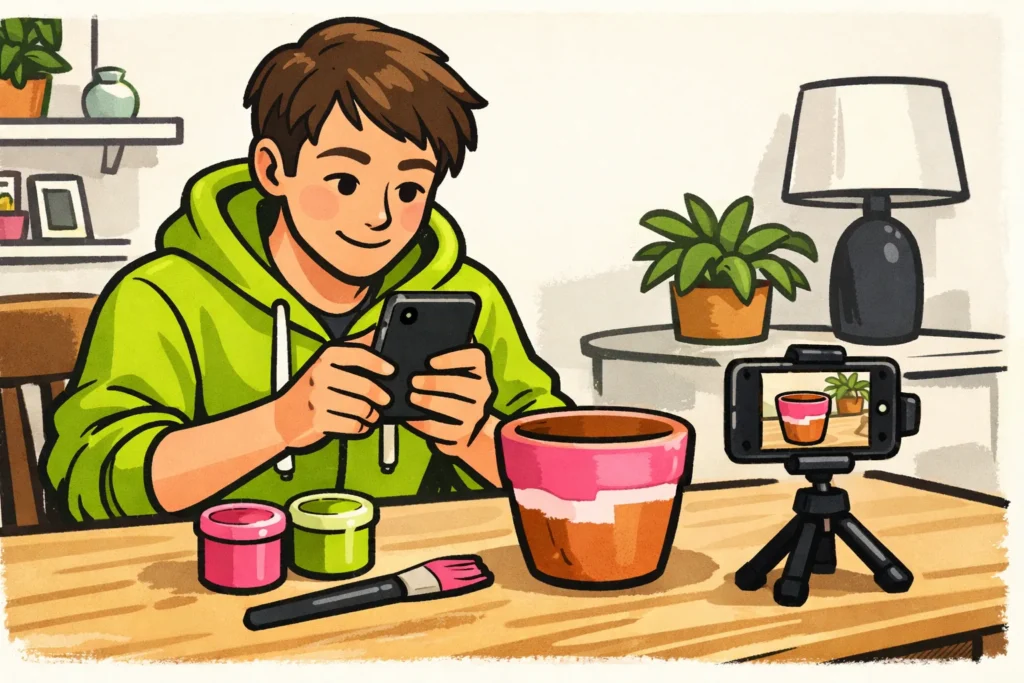
A fictional example: you share a video in which you paint a plant pot. You could write: “An old pot, two colours of paint and a free afternoon. Which colour would you choose?” This explains what the viewer sees without referring to TikTok.
Would you also like to know when you can share the video? Read more about the best time to post Reels.
Solving problems when sharing TikToks on Instagram
| Problem | What can you do? |
|---|---|
| You cannot see the video in your gallery | Check that the file is actually on your phone. Also check your phone’s settings to see whether Instagram has access to those photos and videos. |
| The upload gets stuck | Check your internet connection and try playing the video in your gallery. Save your caption before closing the app or starting again. |
| The audio is missing | Listen to the file in your gallery. Is the audio missing there too? If so, save a new version from your original edit. If there is audio there, check whether Instagram displays a message about the audio. |
| The image is blurry or something is out of frame | Compare the video with the original. Preferably use that file rather than a version that has been saved and forwarded many times. Also check which part of the image is visible in your Reel. |
| The video is there, but the caption is missing | Add the caption to the Reel yourself. The separate caption from your TikTok post is not automatically included in the video file. |
Are you also unable to post other content? Read why you cannot post on Instagram.
Would you like to share the video as a story instead of a Reel? Read what you can do if you cannot post an Instagram story.
Comparing your TikTok video and Instagram Reel
Compare the videos after they have been online for the same amount of time, for example three days after posting. Note whether the length, beginning and audio are the same. Did you change something? That may contribute to the difference you see.
Keep views and unique viewers separate. The number of views is not automatically the number of different people who saw your video. Likes and comments together are also a number of actions, not a number of unique people.
Read the comments as well. Do viewers understand your explanation, or do they often ask the same question? This helps you decide what to make clearer in a future video. You cannot determine which platform always works better based on one TikTok and one Reel. If you are also considering paid options, our Instagram services lets you compare packages for views and followers, including the available quantities and prices.
























