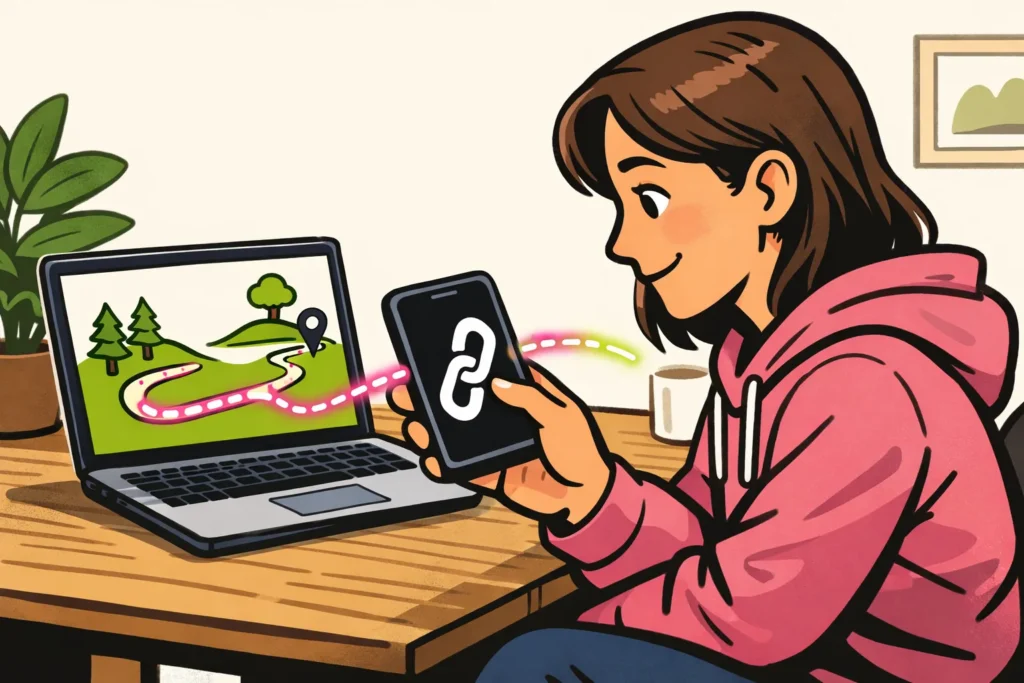
No, you cannot see which Instagram user clicks your link. This applies to the link in your bio and to links in your story. You can sometimes see how often it was clicked. First, check whether your Instagram Insights show a count for links. Note: the number of clicks is not the same as the number of different people.
Below, you will read where to look and how to track visits through your bio and stories separately.
Can you see who clicks your Instagram bio link?
You do not get a list of names for the link in your bio. Even if someone likes your photo or follows you shortly afterwards, you do not know whether that person opened your link.
Suppose you share a link to a walking route. A click count shows whether the link is being used. Do you want to know who wants to join the walk? Ask people to send a message. That allows someone to let you know directly that they would like to join. A click count does not give you that answer.
Which Instagram link clicks can you measure?
According to UseClick’s explanation of Instagram link statistics Instagram shows click counts, but not a list of the accounts that clicked.
Pay attention to exactly what you are measuring. Someone may first tap your bio link and then tap a button on the page that opens. Those are two different actions.
| Where are you measuring? | What can you view? | What should you look out for? |
|---|---|---|
| Link in your bio | The number of taps on your profile link, if that count is available | Which link and which period does it cover? |
| Link sticker in your story | The available count for the link in that story | Viewing a story is not the same as tapping the link |
| Page with multiple links | The number of measured clicks on each button | These clicks happen only after someone has opened your bio link |
| Your own website | The number of measured visits through your link | A website visit is a different measurement from a tap in Instagram |
Where do you look with a professional account?
Do you have a professional account, such as a creator account or business account? Start with your profile Insights:
- Look for a count for external links. These are links to a page outside Instagram.
- Do you want to check a link in a story? Open that story’s Insights and see whether you can find a count for the link sticker.
- Check the name next to the number and the selected period. This tells you what the number means.
The names and available data may differ. If you do not see a count, note ‘not available’, not zero clicks. If you have access to your own website’s statistics, you may be able to measure future visits there.
What does a story’s viewers list tell you?
The viewers list shows who viewed your story. You cannot infer from it who tapped the link sticker. The order of the names does not prove that either.
Can apps show who clicks your Instagram link?
According to Linkie’s explanation of measuring bio links services for a page with multiple links can measure counts and selected links, but cannot show the Instagram usernames of clickers.
Such a page can be useful if, for example, you want to share a walking route, photo album and registration form. You can then see which buttons are used. Choose a service that clearly explains what it counts.
Does an app promise to reveal ‘secret clickers’ and ask for your Instagram password? Do not provide it. That promise is not a reliable reason to give access to your account.
Someone may enter a name or email address on your website themselves. That person is then deliberately sharing data with you. This is different from automatically seeing which Instagram account clicked your link.
Recognising visits through your Instagram link with UTM tags
With UTM tags, you can distinguish visits through your bio from visits through your story. These are short labels after a web address. A tracking programme on your website can use them to recognise where a visit came from. They do not show an Instagram username.
You need access to the statistics of the website you link to for this. The tracking programme must also be able to read the labels. Simply adding labels to a link therefore does not yet provide an overview.
This fictional example uses two links to the same recipe. Only the label for the link location differs:
- In your bio:
/recept?utm_source=instagram&utm_medium=social&utm_campaign=recept&utm_content=bio - In your story:
/recept?utm_source=instagram&utm_medium=social&utm_campaign=recept&utm_content=story
Only the part after your domain name is shown here. When sharing, use the full web address of your own page.
This is what the labels mean:
utm_sourceindicates where the visit came from: Instagram.utm_mediumindicates the type of channel: social media.utm_campaigngroups links about the same subject together, here the recipe.utm_contentdistinguishes between bio and story in this example.
Use lowercase letters and write the labels in the same way each time. Do not include names, email addresses or other personal data. Test both links before sharing them.
Comparing visits through your Instagram links
Do you want to know whether more visits come through your bio or your story? Then track the same type of count. Use this plan to compare the numbers:
- Choose one question. For example: do more measured visits to my recipe come through my bio or through my story?
- Give each link a separate label. Have both links lead to the same recipe. Use only a different label for the place where you share the link.
- Choose a measurement period. Record the start date and end date. Keep in mind that your bio link may remain visible longer than your story.
- Compare the same type of numbers. Compare website visits with website visits, not with the number of times your story was viewed.
- Then change one thing. For example, try a clearer description next to your link and measure again.
Worked example: what share came through your story?
Suppose your website measures 24 visits with the label ‘bio’ and 36 with the label ‘story’. This is a fictional example.
- Total measured visits: 24 + 36 = 60.
- Share through the story: 36 ÷ 60 × 100 = 60%.
So 60% of these 60 measured visits came through your story. This does not mean that 60% of your followers clicked. Nor are they necessarily 60 different people, because someone may return more than once.
Why can the numbers differ?
A tap in Instagram does not necessarily lead to a measured website visit. Someone may click without the page loading completely. Privacy settings and consent for measurement may also affect what your website counts.
Therefore, use the numbers to see which links are used more often, not to track individual people.
Instagram viewers are not the same as link clickers
Do you want to know who viewed your video, profile or post? That is a different question from who opened an external link. Read the explanation that matches what you want to check: If you also publish your own content, our Instagram services includes packages for followers and likes. The product pages show the available quantities and prices.