No, according to ContentStudio, Instagram does not notify users about screenshots of regular Stories. So, with your business account, do not count on seeing who saves your Story. Before sharing, check whether customer information or other private data is visible. Disappearing private messages do not automatically follow the same rule as a regular Story.
Below, you can read what you can and cannot infer from your account and how to keep sensitive information out of your Stories.
What happens when someone takes a screenshot of your Instagram Story?
A screenshot is an image of what is displayed on the screen. That copy can continue to exist after your Story has disappeared. So, a temporary Story does not mean that its content also disappears from the viewer’s device.
ContentStudio explains that regular Stories do not generate screenshot notifications. That does not guarantee that this will remain the case in future versions of Instagram.
Suppose you share your café’s lunch menu. Someone takes a screenshot to discuss it with a friend later. In such a case, saving it may be exactly the intention. Before posting, consider whether the content may also reach people outside your chosen audience.
Can a business account see who takes a screenshot of a Story?
Even with a business account, do not expect a list of people who take screenshots. Someone viewing your Story does not prove that they save a copy. A reply to your Story does not prove that either.
Do you want to know what the figures on your account actually mean? Then read how to view your Instagram statistics. Do not use those figures to guess which viewer saved something.
Be careful with apps that promise to show who takes a screenshot. Such a promise does not prove that the app has that information. Do not give your password to a service to view such a list.
Do screenshots of private messages work the same way as with Stories?
No, you cannot simply apply the explanation for regular Stories to everything you share on Instagram. A Story, a regular post and a disappearing private message are different types of content.
A DM is a private message. If you send a photo or video in it that is meant to be visible only briefly, do not assume that someone cannot save it unnoticed. For these messages, it is not certain whether a screenshot generates a notification or is blocked.
The same applies to Vanish Mode, if this feature is available for your account. This is a chat mode in which messages disappear. Do not apply the rule for regular Stories to it either.
| Type of content | What should you keep in mind? |
|---|---|
| Regular Story | According to ContentStudio, no screenshot notification. |
| Regular post | The explanation about Stories does not provide certainty about screenshots of posts. |
| Regular private message | Keep a normal conversation separate from photos and videos that are visible temporarily. |
| Disappearing photo or video in a private message | Do not assume that taking a screenshot unnoticed is possible. |
| Vanish Mode | The rule for regular Stories does not automatically apply to this chat mode. |
You can also read the Postlink explanation of Instagram screenshot notifications More about the different types of messages can be found in when Instagram sends a notification for a screenshot.
Can you see a screen recording of your Instagram Story?
Do not rely on being able to see a screen recording. A screen recording saves what happens on a screen as video. It is not certain that Instagram sends a notification for this in all current situations. So, do not assume that a screen recording works the same way as a screenshot.
Moreover, a notification does not prevent someone from copying sensitive content. And a notification afterwards does not remove a saved copy.
How do you keep private data out of your Instagram Stories?
Look carefully at your photo or video before posting it. Whether you are showing your own work, a café or an order, go through these steps:
- Check the background. Look out for shipping labels, receipts, calendars and open screens. For a video, also check what appears on screen for only a moment.
- Remove private data from view. For example, put away an address label or make a new recording. Then check the version you are actually going to post.
- Ask recognisable customers for permission. Explain what you want to share. Someone who wants to be in the photo does not automatically want to appear on your business profile as well.
- Check who can see your Story. A smaller audience can limit distribution. It does not prevent someone from making a copy.
- Do not share passwords or access codes in a Story. Do you need to pass something like that on to someone? Choose a suitable personal channel.
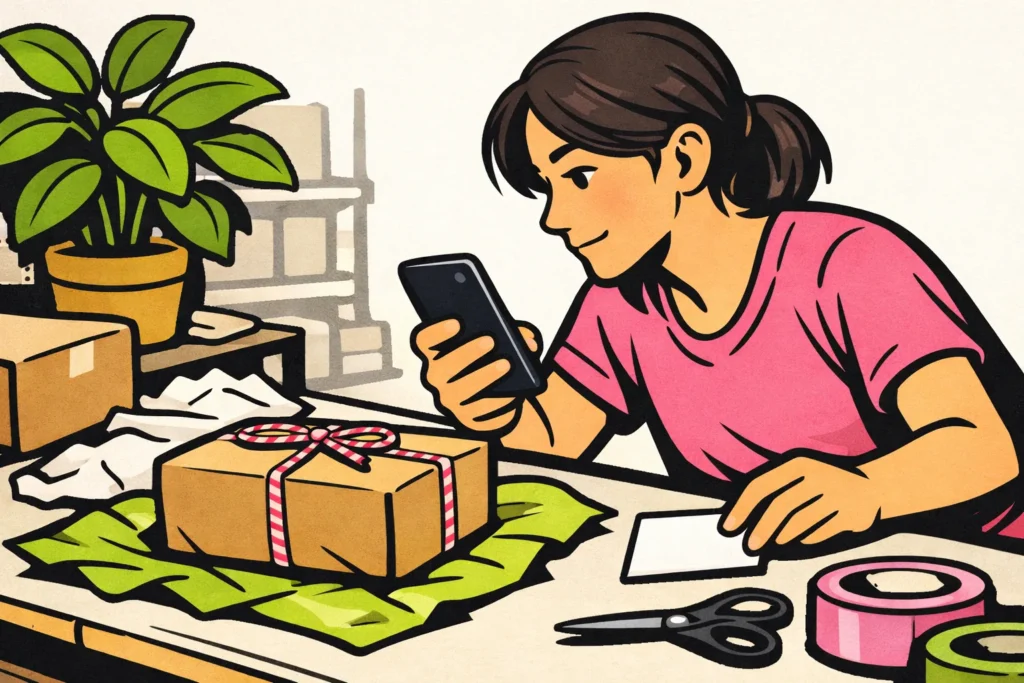
Suppose you want to show a packaged order for your online shop. Take the photo before putting the address label on the box. Then you will not have to hide a name or address afterwards.
Is there still something sensitive in your Story? Remove the Story to limit who can still view it. Existing copies do not disappear automatically as a result. If a password or access code was visible, replace it as well. If you are also considering paid options, our Instagram services lets you compare packages for views and followers, including the available quantities and prices.