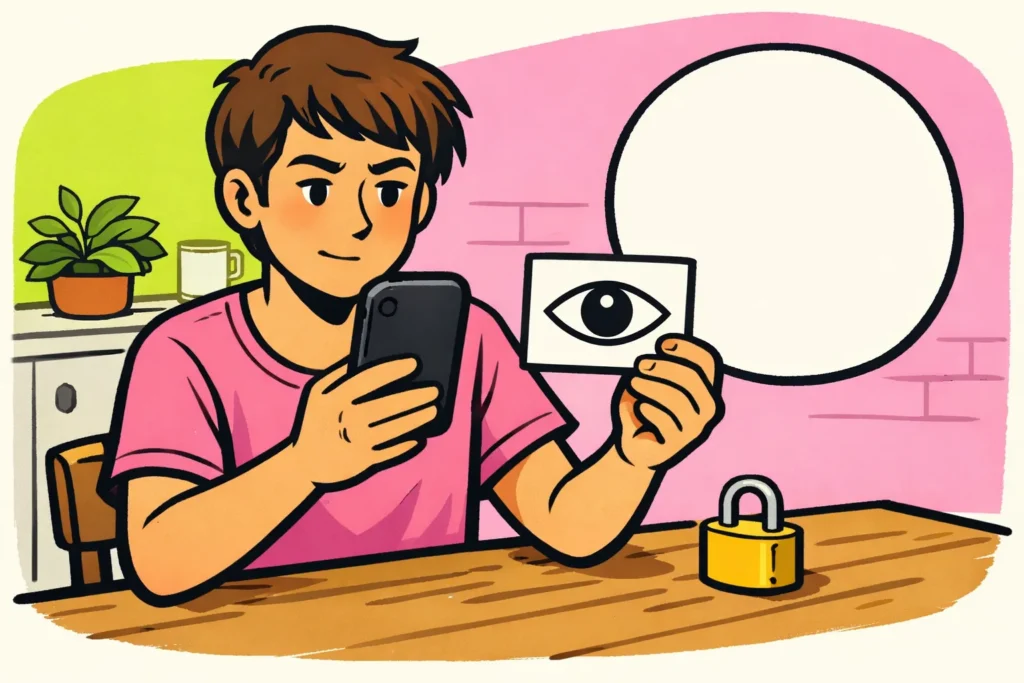
No, there is no reliable free app that lets you see who views your Instagram profile. Instagram does not provide a list of people who visit your profile. So do not share your password with an app that makes this promise. Do you want to know who views your Story? Open the viewer list for your own Story. It does not show profile visitors.
Below, you can read what Instagram does show, how to recognize suspicious apps and what to do if you have already shared information.
Can someone see that you are viewing their Instagram profile?
If you only open someone’s profile, your name does not appear in a visitor list. Likewise, you do not get a list of people who open your profile.
Viewing a Story is different. Your account can appear in the viewer list. A comment you leave is also visible.
Suppose you open the profile of an old classmate. That visit does not make you visible as a profile visitor. If you then open that classmate’s Story, you can no longer assume that you are viewing it anonymously.
Which free app for Instagram profile visitors is reliable?
There is no reliable free app that shows the real profile visitors by name. Also App.nl’s explanation of free apps for Instagram viewers does not name a reliable app from another provider that can do this.
A list of names and profile pictures may seem convincing. Yet it does not prove that these people visited your profile. A follower or someone who often comments is not automatically a measured profile visitor.
Pay attention to this before installing an app:
- Does the app promise to show secret visitors? Such a promise is not proof that the feature works.
- Does the app ask for your Instagram password? Do not enter it to get a visitor list.
- Do you have to pay to see names? Paying does not make the list more reliable.
- Do you mainly see familiar followers? That does not tell you how the app selected those names.
A free trial period also does not prove that the app works. Check what costs are involved before agreeing to anything.
Which viewers does Instagram show?
Instagram distinguishes between profile visits and viewing a Story or post. Kontentino explains what you can see about Instagram viewers: Story viewers and an overview of figures for professional accounts, but no named profile visitors.
| What do you want to know? | Where can you look? | What does this not tell you? |
|---|---|---|
| Who viewed my Story? | Open the available viewer list for your own Story. | Whether those people also opened your profile. |
| How much activity does my professional account receive? | Check Insights, Instagram’s statistics, for an overview of figures. | Which person visited your profile. |
| Who is responding to my post? | Check the comments below your post. | Who only read along or viewed your profile. |
So even with a professional account, you do not get a visitor list with names. Do not switch to one just for that: more statistics do not make individual profile visitors identifiable.
Is your question about one photo? Then read whether you can see who views your Instagram post.
What are the risks of apps for Instagram profile visitors?
With your password, someone may try to log in to your account. Do you also use the same password elsewhere? Those accounts may then also be at risk.
An app may also ask for permission to read data or do something on your behalf. So read carefully what access you grant. Giving permission is different from sharing your password, but you should be careful with both.
Also watch out for payment requests. An app might, for example, say: “Five secret visitors are waiting.” In this fictional example, the app is trying to make you curious. The notification does not prove that visitors have been measured.
Do you only want to use the app to see hidden profile visitors? Then do not grant access or pay for that promise. You do not need to test the service first.
How can you recognize interest in your Instagram posts?
Look at what someone actually does. A question beneath your photo shows that someone is responding to that photo. A message about your Story shows that someone wants to respond to it. This still does not tell you whether that person also opened your profile.
Do you want to know which posts receive comments? Compare a few of your own posts of the same type. Note the subject and the number of comments. This can help you discover, for example: “People ask a question more often under my hiking photos.” That says something about the comments, not about people quietly viewing your profile.
Keep figures and people separate. The number of views is not automatically the number of different people. Also buy Instagram views does not prove personal interest or provide a list of profile visitors. To compare quantities and prices, explore our Instagram services, including packages for views and followers.
Is it about a video? Then read more about seeing who viewed your Instagram video. For Reels, there is separate information about who viewed your Instagram Reel.
What should you do if you have used an app for Instagram profile visitors?
First check what you shared: your username, password, access permission or payment details. Choose the steps below that apply. Open Instagram itself, not through a link in a message from the suspicious app.
You entered your password
- Change your Instagram password. Choose a new password that you do not use anywhere else.
- Check your other accounts. Change your password there too if you used the same one.
- Check where you are logged in. Log out unknown devices or sessions through the security settings.
- Turn on two factor authentication. This is an extra check when logging in.
- Check your recovery details. Check whether the linked email address and phone number still belong to you.
You gave an app permission
Look in the settings for linked apps or access by other services. Revoke the suspicious app’s permission. Removing only the app from your phone does not revoke that access.
The names and locations of settings may differ. Can’t find the option? Use Instagram’s help function and search for app access or account security. Did you also share your password? Then follow the steps above as well.
You paid or can no longer log in
Check where you took out any subscription and cancel it there. Review your charges. Contact your bank or payment service about unknown payments.
Can’t access your account anymore? Use the login or account recovery help from Instagram itself. Do not share login codes with anyone who promises to recover your account for payment.
You only entered your username
That is not the same as sharing your password. Still, watch out for messages that then ask for a code, password or payment. Do not provide extra information to get a visitor list after all.
























