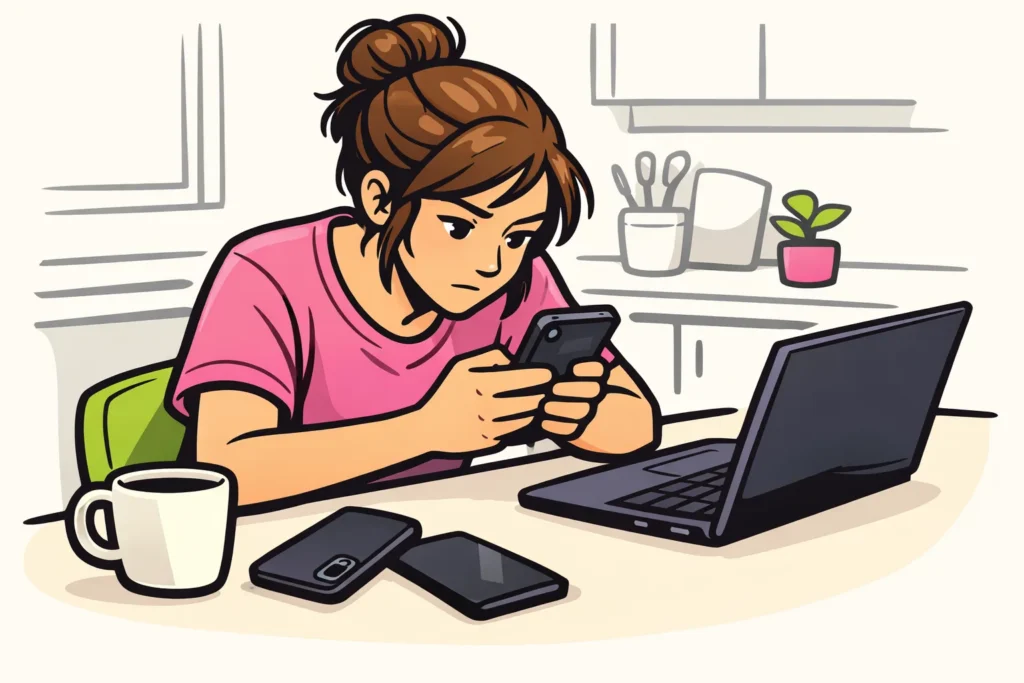
You can find your TikTok drafts on your profile, in the tab containing your videos. Open TikTok on the phone where you saved the draft and look for Drafts. Also check your account name if you use multiple accounts. Drafts may be missing after deleting and reinstalling the app or switching to another phone.
Below, you can read how to continue working on your video and what you can do if your draft is not there.
Finding TikTok drafts on your profile
- Open TikTok on the phone where you worked on the video.
- Go to your profile and check that you are using the correct account.
- Open the tab containing your videos and look for Drafts.
So you should look among your videos, not in the text on your profile. Not sure where that profile text is? Then read where the bio is on TikTok.
According to TikTok’s explanation of drafts they appear among your profile videos. Others only see them after publication. Drafts can disappear after reinstalling the app or switching devices.
Can’t see any drafts? Do not delete the app to solve this. Check the table to see what you can try first.
| Your situation | What can you do? |
|---|---|
| You can see your draft | Open it and check whether it is the right video. |
| You cannot see any drafts | Check your account name and look on the phone where you worked on the video. |
| You have a new phone | Check your old phone before erasing it. |
| You deleted the app | Look in your gallery for the original recordings or a previously saved version. |
| You want to keep the video | Make a separate video copy and check that it plays correctly. |
Opening and editing a TikTok draft
Open your drafts and tap the video you want to continue working on. First, watch the beginning and the end. This lets you check that you have the correct version, especially if two drafts look similar.
Only then make the necessary changes. For example, you may want to shorten a silent section, correct a typo or check the sound. Which edits are possible depends on the options shown by your app. Button names and screens may change.
Do you not want to publish the video yet? When finishing, look for the option to save your work as a draft. Is TikTok asking what you want to do with your changes? Read that question before closing. Then open the draft again to check whether your latest change was saved.
What can you do if your TikTok drafts are missing?
First check your account name and your phone. You may be using your second account, or you may have made the video on another device. What you can do next depends on what has changed.
You are using another phone
Do not assume that your drafts will automatically appear on your new phone. They are not a backup in online storage. Do you still have your old phone? Find the draft on it before erasing, selling or handing in the device.
You reinstalled TikTok
Is your draft missing after you reinstalled TikTok? Look for your footage outside the app. Check your gallery for the original recordings or a previously saved video. Also check your own online storage if you saved a copy there. You may be able to create a new version using those files.
Can you recover deleted drafts?
Do not assume that you can recover the draft itself. A separate video copy preserves your footage, but it is not the same as a draft that you can continue editing.
You can ask TikTok for help if the video is important. This does not guarantee that you will get the draft back.
Deleting TikTok drafts
First check which videos can be deleted. Two nearly identical drafts may contain different edits. If in doubt, open both versions before deleting anything.
- Go to your drafts and find the video you want to delete.
- First save a separate copy if you still need the footage.
- Look in the overview for an option to select or delete videos.
- Check which videos you have selected, and only then confirm the deletion.
Do you not see a suitable option? The layout may differ between app versions. The Dutch guide to deleting TikTok drafts provides additional explanation. A button in that guide may not exactly match your screen, so check what you select.
Mainly want to free up space? Also read why TikTok uses so much storage space. Do not immediately delete the entire app if it still contains important drafts.
Keeping a separate copy of your TikTok draft
Also keep important footage outside TikTok. For example, think of a birthday video that you want to finish later.
- Keep the original recordings. Leave them in your gallery while you are working on the video.
- Look for an option to save the video to your phone. Use it if your screen offers it. Then check whether the copy is in your gallery.
- Make a second copy. For example, put the video on your computer or in your own online storage.
- Play the copy all the way through. Check the image, sound and ending before deleting the draft or your old phone.
A video file preserves the result. You cannot always adjust all the separate elements in it as you can in your draft. Therefore, also keep the original recordings.
Do you want to publish the video only for yourself? Before publishing, check who can see that specific post. A private account does not mean that only you can view the post. Read more about why your TikTok account is private. Also keep a file outside TikTok as a backup. If you also publish your own content, our TikTok services includes packages for followers and likes. The product pages show the available quantities and prices.
























