To start a YouTube channel, you need a Google account and an idea for your videos. First, write down who you are making your videos for and which question you want to answer. Then create your channel, complete your profile and record your first video. You can start with your phone. Pay particular attention to clear sound and a story that is easy to follow.
Below, you’ll read how to approach this, from choosing your channel name to making your first recording and responding to comments.
What do you need to start a YouTube channel?
First, use the equipment you already have. Make a half minute test recording and listen back to it with headphones. This will help you notice what you still need to adjust before recording a full video.
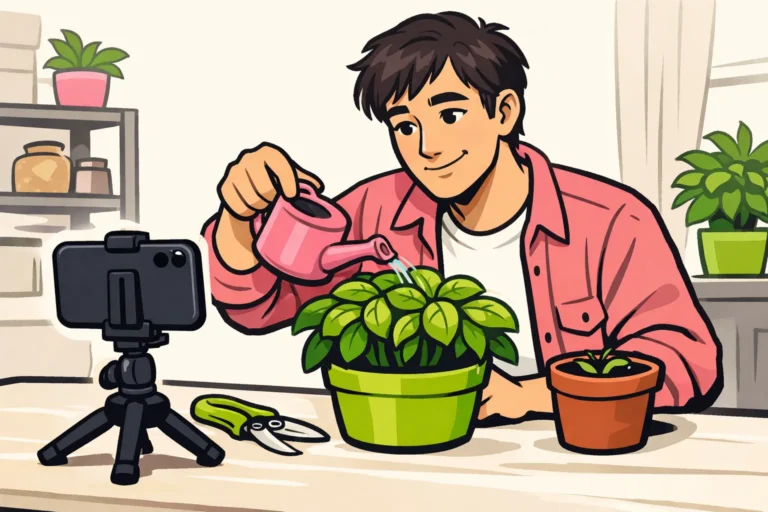
- A phone or camera. Place it securely, for example on a tripod.
- A quiet place. Close the window if you can hear traffic more loudly than your voice.
- Enough light. For example, sit facing a window rather than with the window behind you.
- A short plan. Write down which question your video answers.
- Time to finish the video. Also set aside time for cutting, watching it back and publishing.
Think about what you want to do with your channel. Do you want to explain a hobby or show how to get better at something? For a business channel, you can start with customers’ questions. Your goal helps you choose a suitable name, topics and tone.
Creating a YouTube channel with your Google account
You need a YouTube channel to upload videos. To do this, follow the official guide to creating a YouTube channel.
- Choose your Google account. Use an account that you manage yourself and can easily find again later.
- Think of a channel name. Also choose a handle: the short name with an at sign. Keep an alternative ready.
- Follow the steps in the official guide. Keep your chosen name handy.
- Check your channel name. Make sure it is correct before completing the rest of your channel.
Do you see different options from those in the guide? First check which account you are signed in to. Then look in the official guide to see which steps apply to your situation.
Setting up your YouTube channel
In YouTube Studio, you can adjust your channel’s layout, design and basic information. The guide to adjusting your channel shows you where to find these sections.
Make sure visitors understand what your videos offer. You do not need an elaborate design for this yet.
| Section | What should you look out for? |
|---|---|
| Channel name | Choose a name that is easy to pronounce and remember. |
| Handle | Choose a short name that resembles your channel name as much as possible. |
| Profile picture | Use a recognisable face or a simple logo that remains clear at a small size. |
| Banner | Choose a simple image that suits your topic. Do not place important elements too close to the edge. |
| Description | Tell people who your videos are for and what you show. |
A description for a fictional gardening channel could be: “I show you how to grow herbs and vegetables on a small balcony. Here you’ll find simple explanations about pots, watering and harvesting.” This tells visitors more than just “Welcome to my fun channel”.
Are you making videos for Dutch speaking viewers? Use words and measurements they know. For a cooking channel, grams and degrees Celsius, for example, are more convenient than measurements viewers constantly have to convert.
Choosing a clear topic for your YouTube channel
Choose a topic for a particular group of people. This is also called a niche. You do not have to make the same thing forever, but a clear choice helps you come up with videos that fit together.
“Gardening” is broad. With “growing vegetables on a small balcony”, you have a better idea of what you are going to show. Complete this sentence for your own channel:
“I make videos for people who want to …, and I help them with …”
Then ask yourself three questions:
- Can you think of ten different, specific questions about this?
- Can you show something instead of only talking about it?
- Will you still want to spend time on this in a few months?
You can do the same for a business channel. Think of a bicycle mechanic explaining simple bike checks. This lets you help customers without turning every video into a sales pitch.
Planning your first ten YouTube videos
Make a list of questions you want to answer in your videos. Choose one question per video and write down what you need to show the answer.
Below is a fictional plan for the balcony gardening channel. You can also use these types of videos for your own topic.
| Video idea | What will you show? |
|---|---|
| 1. Which herbs suit a small balcony? | A few options and how much space they take up. |
| 2. What do you need for your first herb pot? | The equipment you use and what you do not need to buy yet. |
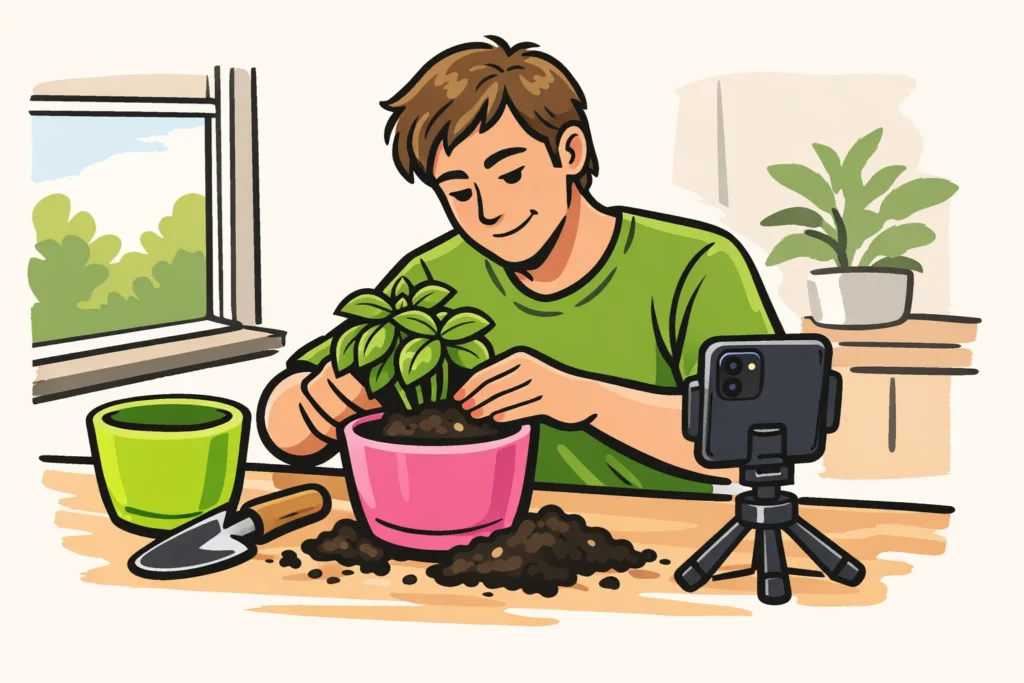
| 3. How do you plant basil in a pot? | All the steps, from start to finish. |
| 4. How do you choose a place for your pots? | How you assess the light and the available space. |
| 5. How do you check whether the soil is dry? | A simple close up check. |
| 6. What is the difference between two types of pots? | A comparison where you look at the same characteristics for both pots. |
| 7. What mistake did you make when planting? | A mistake you actually made and what you changed afterwards. |
| 8. How do you harvest herbs for cooking? | A small harvest for a meal. |
| 9. What has changed after four weeks? | Your own images from then and now. |
| 10. Which questions remain? | Viewers’ questions. If there are no comments yet, use your own beginner questions. |
Start with the three videos that are easiest for you to make. For a video about your plants’ growth, you have to wait. You may already be able to record an explanation of your equipment.
Choose a pace that fits your week. One video every two weeks can be a start. This is a choice for your schedule, not a YouTube rule.
Let the length suit what you are explaining. A short video may be enough for one quick action. You need more room for several steps. Shorts, YouTube’s short videos, are not automatically the best way to grow.
Recording and publishing your first YouTube video
Structure your video in three parts: the question, the explanation and the result. Write down a few keywords if you are mainly going to read aloud from a written script.
- Say straight away what you are going to show. For example: “I’ll show you how I move this herb plant into a larger pot.”
- Record the actions. Make sure your hands and materials are clearly visible.
- Listen back to your recording. Is your voice unclear? Record that section again before you pack everything away.
- Cut out anything unnecessary. Think of long silences, steps explained twice and looking for equipment.
- Choose a clear title and thumbnail. A thumbnail is the preview image for your video. Show what your video is really about in it.
- Write a short description. Tell viewers what they will learn and add important explanations if needed.
- Check your video before publishing it. Check the picture and sound and look out for private information. Only use material for which you have permission or the appropriate rights.
With a title such as “Repotting basil: which pot should you use?”, viewers know what you are explaining. “Everyone needs to see this” says nothing about the content.
Improving your YouTube channel with data and comments
Look in YouTube Studio at what you can learn from your videos. Do not draw conclusions straight away after one recording. With little data, you cannot yet see clearly what happens more often.
- How often is your video watched? Compare videos about similar topics in particular. The number of views is not the same as the number of different people watching.
- How long do people keep watching? Look for where your explanation may become too slow or unclear.
- What questions do you receive? A question under your video can be a good topic for your next recording.
Try changing one thing per video. For example, in your next explanation video, show the result straight away instead of starting with a long introduction. Later, see whether people keep watching for longer.
Such a comparison does not yet prove that your change works. The topic and viewers may also be different.
Ask for specific comments. “Which step was difficult to follow?” makes it clear what you want feedback about. Share your video in places where the topic is relevant, without posting the same link everywhere.
You can also get ideas from the channels with the most YouTube subscribers. Pay attention to their topics and how their videos are structured. Their numbers are not a useful comparison for your first few months.
When can you earn money with your YouTube channel?
To earn money through the YouTube Partner Programme, you must meet the applicable conditions and be accepted. There is no fixed time frame within which this will happen. Check the current conditions with YouTube before counting on income. Requirements and opportunities may vary.
Therefore, make a plan you can carry out without income as well. For example, only buy a microphone once your test recordings show that your sound needs to be better.
A business channel may be intended to answer customer questions. That is a different goal from being paid by YouTube. Bought views or subscribers do not guarantee customers, watch time or greater reach through ordinary viewers.
Common mistakes when starting a YouTube channel
- Choosing too many topics at once. Start with a small series for the same group of viewers.
- Spending weeks working on your banner. Make sure your profile is clear, then move on to your first video.
- Promising a schedule you cannot maintain. First see how much time recording and editing takes you.
- Promising more in your title than you show. Check whether your video really answers the question in the title.
- Writing off a video straight away. Consider what you can learn from it for your next recording.
Do you want to remove an existing video? Read how to delete a YouTube video. Do you want to stop completely? Then deleting your YouTube channel is a separate choice.
Start with your topic in one sentence. Then choose one question from your list and make a test recording. Watch and listen to it again before recording the whole video. If you are also considering paid options, our YouTube services lets you compare packages for views and subscribers, including the available quantities and prices.