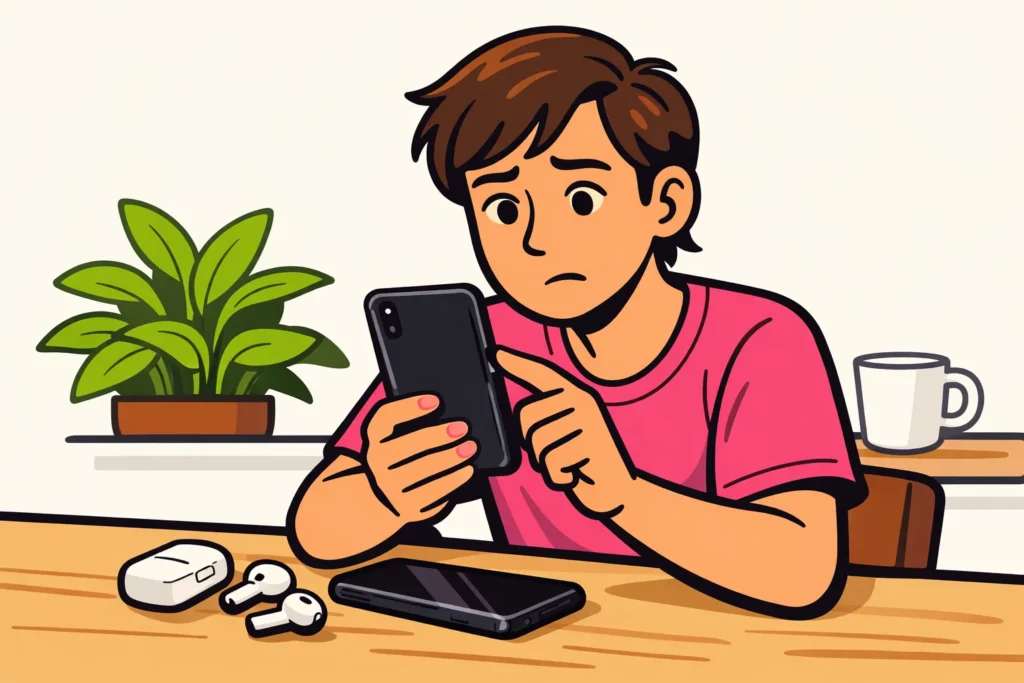
Is music not working in your Instagram Story? First check whether the music sticker is missing, one song cannot be found, or the sound does not play. Each problem requires a different test. Create a new Story with one photo. If you can see the music sticker, try another song. Change one thing at a time so you can see what makes a difference.
Below, you will read which steps fit your problem and what the outcome tells you.
What is going wrong with music in your Story?
Can’t find one song? Then you do not need to follow the same steps as someone who cannot see a music sticker at all. Find your situation in the table.
| What do you see or hear? | What do you test first? | What does that tell you? |
|---|---|---|
| The music sticker is missing. | Create a new Story with one photo. | You can see whether the sticker is also missing in a new Story. |
| One song cannot be found. | Search for a song by another artist. | You can see whether other songs are available. |
| The selected song keeps loading. | Try the same clip through another network. | You are checking whether the connection makes a difference. |
| You cannot hear music in your Story. | Check the volume for music and videos and your connected earbuds. | You are checking whether the sound is low or playing through your earbuds. |
If you also cannot post your Story without music, read the explanation about an Instagram story that you cannot post. That is a different problem from music simply being missing.
The Instagram music sticker is missing: start with these tests
Try these steps first before changing your account settings. After each step, check whether the music sticker is visible again.
- Create a new Story with one photo. First save anything from your current design that you want to keep. Then check which stickers you see in the new Story.
- Close Instagram completely. Reopen the app and test with the same photo.
- Check whether you can update Instagram. Open your phone’s official app store and check whether an update is available.
- Switch connections. Try mobile data instead of Wi Fi, or vice versa. Keep your data allowance in mind.
- Restart your phone. Then create another Story and check the stickers.
Do not delete Instagram immediately. First save any material you still need and check that you can log in again. Reinstalling does not always restore a missing feature.
Are you specifically looking for Add Yours Music? Meta announced this sticker in May 2024. It lets you choose a song from the Instagram music library, as stated in the Add Yours Music announcement. Is Add Yours itself not working? Then read more about Instagram Add Yours not working.
Why can’t you find some songs on Instagram?
According to the TheAppGuides explanation of music in Stories the music selection can vary by account and region. The available collection of songs also matters. You therefore cannot assume that everyone in the Netherlands or Belgium sees the same songs.
Search by title and artist. Check the spelling and then try a completely different song. Can you add that one? Then the problem seems to be mainly with the song you want, or with how you are finding it. You do not need to reset the entire app immediately.
Does a business account or creator account make a difference?
Your account may affect which songs you see. But that does not mean every business account has the same restrictions. A creator account also does not automatically provide access to every song.
Do you already have a second account on the same phone? Search for the same song with it in the same app. Can you see it there? Then the difference may be related to your account. This still does not tell you whether the account type is the cause.
Therefore, do not casually switch account types for one song. There is no certainty that the song will appear afterwards. Do you use music in a Story for your business or to promote something? Also check whether you are allowed to use that music for this purpose.
Music in your Instagram Story keeps loading or produces no sound
First check when the problem occurs. Do you hear nothing while creating your Story, when watching it back, or at both times?
- Turn up the volume for music and videos while the Story is playing. Check whether the sound is playing through connected earbuds or a speaker.
- Play another video with sound. Can you not hear that one either? Then first check your phone’s sound settings.
- Try another music clip. Does it play? For now, use that clip or try the desired song again later.
- Try another connection. Use the same photo and the same song. This way, you are only testing whether the network makes a difference.
Suppose your song keeps loading over Wi Fi but plays over mobile data. Then it makes sense to check your connection further. Changing your account type is not the first step at that point.
You can also test on another device that you manage yourself. Does the same Story work there? Then this points more towards a difference between the devices or apps. This still does not tell you the exact cause.
How to add music to your Story when the sticker works
- Choose the photo or video for your Story.
- Look through the available stickers and search for music. The layout may differ.
- Choose a song if the music option is visible. Where possible, select the clip you want to use.
- Listen to the preview before posting the Story.
When testing, choose a clip in which you hear music immediately. This prevents you from mistaking a silent opening for an error. Are you speaking in the video? Then also check that your words are still easy to understand.
Still cannot see the music option? Do not keep looking for a button that a guide says should be on your screen. Try the tests above or temporarily post a Story without an added song.
Can you play music from Spotify or Apple Music in your Story?
Sharing a song from Spotify or Apple Music is not automatically the same as adding audible music through Instagram. A shared link may not play the desired clip. Therefore, look and listen to the preview. The options for sharing music may change.
Want to recommend a song? A link may be enough. Want to hear music under your photo? Check whether you can choose the song in Instagram itself.
Do not record a copyrighted song yourself to add it to your Story afterwards. You can use your own sound, music for which you have the proper permission, or post your Story without music.
Instagram music still not working: report the problem
Did the tests not help? Report the problem through Instagram’s help options. Note what is going wrong and what you have already tried:
- Is the sticker missing, can you not find a particular song, or can you not hear any sound?
- Does it also happen with a new Story containing one photo?
- Does another song work?
- Does switching between Wi Fi and mobile data make a difference?
- Which phone and version of the Instagram app are you using?
If necessary, add a screenshot without private information. You can try again later if none of the tests makes a difference.
Is music also not working outside Stories? Then read the broader article about Instagram music not working. Once your account is working as intended, you can explore our Instagram services to compare packages for views and followers for your public profile or content.
























