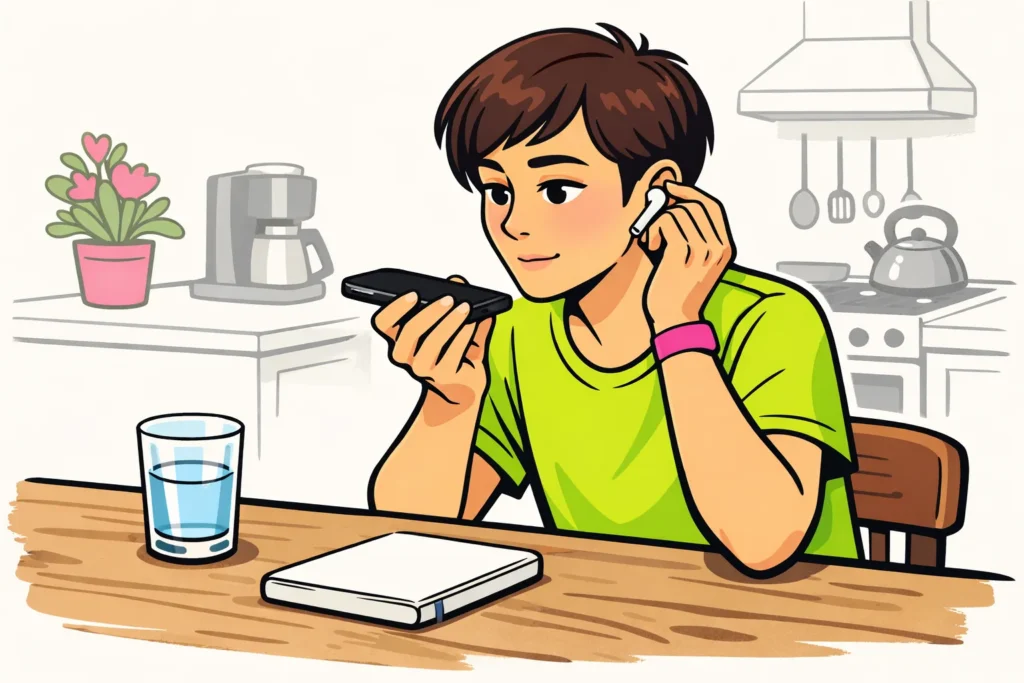
If you cannot see voice effects on TikTok, it may be related to your video, app version or the options available on your account. The missing button does not tell you what is wrong. First, make a short, new recording in which you speak clearly, without music. Check while editing whether you see voice or audio options.
Below, you will read how to compare the result and what you can try next.
TikTok voice effects missing or not working: what should you test?
Is the option completely missing, or can you choose an effect but hear no change? First, check which situation applies to your video.
| What do you see or hear? | What can you test first? |
|---|---|
| You cannot find a voice effects option anywhere. | Compare your video with a short, new recording. |
| You see the option but cannot select it. | Write down any message. Test the same option on your new recording. |
| You choose an effect but hear no difference. | Listen to whether your own voice is clearly audible. Test without added music. |
| You can see effects, but not the effect you are looking for. | Check the exact name. One missing effect is different from being unable to choose any voice effects at all. |
This test gives you a better idea of where things are going wrong. It does not tell you the cause with certainty. A missing voice effect does not, by itself, mean that your account is restricted.
Where can you find voice effects on TikTok?
A voice effect changes the sound of your recorded voice. That is different from having a computer voice read text aloud. So look among the options for editing your recorded audio, not only among the text options.
- In TikTok, make a short recording in which you say one sentence, for example: “I am testing how my voice sounds in this video.” You do not need to publish the video.
- Go to the screen where you can edit the recording.
- Check whether you see voice or audio options. The name and location may differ. So do not search only for the English name “voice effects”.
- Can you choose a voice effect? Choose it and listen to the preview.
- Is the option missing? Check whether this is also the case with your original video. Then continue with the checks below.
According to TikTok’s explanation of effects some effects are only available before recording. That explanation does not say which voice effects are included.
Do you want to use a voice you heard in another video? Note the effect’s name if it is shown. The creator may also have edited the voice outside TikTok. Based on the sound alone, you therefore cannot tell whether that effect is available in your app.
Testing voice effects on an upload, duet or stitch
Test in your own app whether the voice effect works with an uploaded video, duet or stitch. Do not assume that this is always possible or never possible. A duet combines your video with another video. With a stitch, you use part of another video in your own recording.
Compare the video where things go wrong with your short test recording. Change as little else as possible. This makes it easier to see what makes a difference.
- The effect works on the test recording but not on the upload. The problem then appears to be with that video or with how you are adding it. This does not mean that the effect will not work on any upload.
- The effect works on a regular recording but not on a duet or stitch. Write down that difference. Also check whether your own voice is clearly audible.
- The effect is missing on both. First, check your app version. There is no need to keep uploading the same video.
Do you mainly want to distort your voice and does the option remain missing? You can edit a copy of your own recording in advance with a sound or video program you trust. This may give you the sound you are looking for. It will not restore the feature in TikTok. Keep your original file.
Checking your app when TikTok voice effects do not work
In TikTok’s first steps for app problems the advice is to check whether you are using the latest app version.
- Check for an update. Search for TikTok in your phone’s official app store. Install an update if one is available.
- Close TikTok completely and open the app again. Then test the voice effect with a short recording.
- You can also restart your phone. Repeat the same test so you can compare.
- Only then check the cache. These are temporary files. Do you see an option in TikTok to clear the cache? First, read carefully what will be deleted.
Clearing the cache does not guarantee that a missing voice effect will return. Do not simply clear all app data or delete the app as a first step. First, save important recordings and drafts in a safe place. Also check that you can log in again.
Comparing voice effects by account or phone
Does someone else have the effect? Compare the effect name, app version and type of video. For example, compare two new recordings instead of a new recording with an upload.
Do you already have another personal account? You can make a similar test recording on it, using the same phone. This way, you change only one thing at a time. You do not need to create multiple accounts specifically to look for an effect.
A difference between accounts does not immediately mean that it is related to your account type. And if the effect works on another phone, that does not prove that your device is unsuitable.
Your region, account type and feature testing are often mentioned as possible causes. You cannot infer that from one missing button. So do not change your region or account type just because of a tip on a forum. Also, do not install a modified TikTok app that promises hidden effects.
Reporting a missing TikTok voice effect
Does the effect remain missing? Search your TikTok app for help or an option to report the problem. Briefly describe what is going wrong and what you have already tested.
- The name of the effect you are looking for, if you know it.
- Whether the option is missing, cannot be selected or produces no audible difference.
- Whether you are using a new recording, upload, duet or stitch.
- Your phone model and TikTok app version.
- What happened with your short test recording.
- A screenshot without private information, if it makes the problem clearer.
An example message: “I cannot see an option to change my recorded voice. This happens with both an upload and a new recording without music. I checked for updates and reopened the app.” Adapt the message to your situation and add your device details.
Buying followers, views or likes does not restore a technically missing voice effect. Spending money on that therefore will not help you get this feature back.
Do you have another problem? Continue reading about being unable to turn on profile views on TikTok, being unable to save a TikTok video or why your TikTok video has 0 views. Those problems require different checks. Once your account is working as intended, you can explore our TikTok services to compare packages for followers and likes for your public profile or content.
























