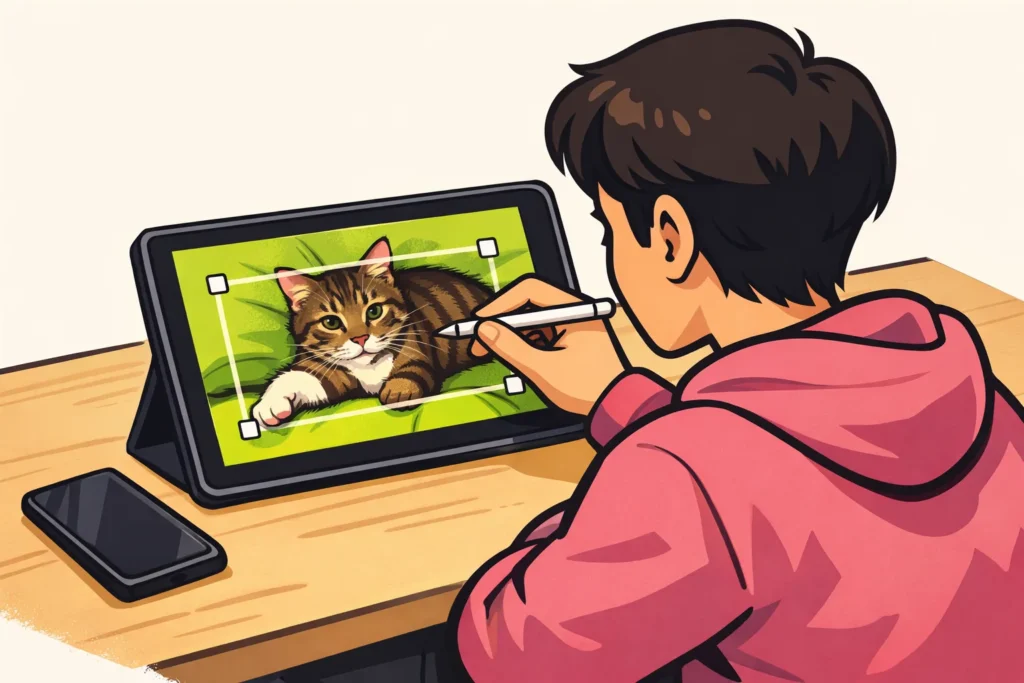
You can crop out, cover or have a video editor remove a TikTok watermark. Do you still have the original video? Use that instead if possible: it did not yet have the watermark. So first search your photo library for the recording from before it was posted. You can also work with only the saved TikTok, but editing may cause image loss or distortion.
Below, you will read which method suits your video and how to use it step by step.
What is the TikTok watermark?
The TikTok watermark is the logo with a username on a saved video. It shows that the video comes from TikTok and which account it belongs to. It is different from a caption that you added yourself.
In a saved video, the watermark is part of the image. You therefore cannot switch it off separately. Before you start editing, watch the entire video: the watermark may appear in different places.
| Method | When to choose it? | What should you look out for? |
|---|---|---|
| Use the original | You still have the recording or editing project | Text and effects you added later may be missing |
| Crop | There is enough empty space along the edges | You lose part of the image |
| Cover | A shape or sticker suits your video | The shape or sticker remains visible |
| Have it removed | You do not want to cut off the edges | The editor may create marks or distortions |
1. Use your original TikTok video without a watermark
With the original file, you do not need to remove anything from the frame. You use the version that did not yet have the watermark. This means you do not need to crop the image or have it filled in.
- Search around the recording date in your photo library, your files and any backup.
- Did you make the video in a separate editing app? Open the original project.
- Save a new video file from that project. This is called exporting. Check whether the app itself adds a watermark.
- Play the new file all the way through. Check that the image, sound and text are correct.
Suppose you made a video of your cat with your phone camera. You only added text in TikTok. You can then use the original recording, but you will need to add the text again.
Did you only record in TikTok and not save a separate copy? In that case, you may not have an original file. Try one of the following methods instead.
2. Crop the TikTok watermark out of the frame
Cropping removes the outer edges of your video. Some apps call this cropping. It works especially well when the watermark is close to the edge and there is enough space around your subject.
- Make a copy of your video. Open it in a video editor that lets you crop.
- Move the image edges inwards until the watermark is outside the frame.
- Check all the places where the watermark appears during the video.
- Check that faces, hands and captions are still fully visible.
- Save the result as a new file.
Want to keep the video in portrait orientation? For example, choose the 9 by 16 ratio. The image is then 9 parts wide and 16 parts high. To keep that ratio, you may also need to crop the image on another side.
Suppose you have a video in which you are decorating a cake. Cropping can work if the cake and your hands remain visible. Is the cake already against the edge? Then you can quickly crop something important out of the frame.
If you crop away a lot, the remaining image may look less sharp when you display it large again.
3. Cover the TikTok watermark with a shape or sticker
Do you not want to crop the edges? You can place something over the watermark instead. It remains in the file but is no longer visible. This approach is intended for your own video, not for hiding another creator’s name.
- Open a copy of your video in an editor that lets you add a sticker, shape or image.
- Place an opaque shape or sticker over the entire watermark.
- Leave that cover in place for as long as the watermark is visible there.
- Does the watermark appear somewhere else? Change the position and duration of the cover, or add a second shape or sticker there.
- Play the entire video before saving the result.
In your own cooking video, for example, you could use a small shape with the name of the dish. Do not make it larger than necessary. Also check that you can still clearly see what you are doing in the video.
Some editors can blur the watermark. You will still be left with a blurry area: the background behind the watermark does not come back.
4. Have a video editor remove the TikTok watermark
Some video editors can try to remove an object from the frame. You mark the watermark, after which the program fills in the area. It estimates what the background might look like. It does not restore the actual image behind the watermark.
- Choose a video editor with a function for removing objects from video.
- Work with a copy and first test a short section.
- Mark the watermark as precisely as possible. Adjust the marking if the watermark changes position.
- Play the result and occasionally pause the video to inspect the edited area.
- Pay particular attention to faces, fingers, text and moving edges right next to that area.
A plain wall is easier to fill in than a hand moving through the watermark. Do you see a mark, a shaking edge or a distorted face? It is better to use the original or try cropping.
Do you need to upload the video to a website? First check what the service does with your file and how you can have it removed. Do not upload private footage if this is unclear. To edit a video file on your device, you do not need a TikTok password.
Can you download a TikTok without a watermark?
There are external sites that offer downloads without a watermark. How they work and what they do with your data varies by service. For your own video, the original file therefore remains the first choice. Downloading a video again does not automatically make a previously saved file sharper or free of a watermark.
TikTok explains in its explanation of video downloads that creators can manage downloads. Previously permitted downloads may remain on other people’s devices.
Can you not download a video? Ask the creator for the file and permission for what you want to do with it. Do not bypass a download restriction to save a protected video.
Do you only want to show a video to a friend? Read why you cannot send TikToks to friends . You do not need to remove the watermark for that.
Can you repost a TikTok without a watermark?
Removing a watermark does not give you any additional rights. Your own recording may also contain other people’s material, such as music, images or illustrations. Check that you are allowed to use that material in the new location.
The TikTok’s American terms of service cover ownership and usage rights. They do not confirm which rules apply to your use in Australia.
Do you want to repost someone else’s video? A download is not permission. Ask the creator on which platform you may post the video, what you may edit and how you should credit them. Merely adding a name does not replace any required permission.
Want to post your own video on Instagram or YouTube Shorts? Check these points:
- Keep a version without a platform logo. Save your edit separately before posting and also keep the editing project.
- Check the sound. Music from TikTok cannot automatically be used outside it as well. If necessary, choose your own sound or music for which you have permission in that location.
- Check the text and crop. Check that all the words and your subject are still fully visible after editing.
- Do not save the video again unnecessarily. Work from one good version. Saving again and again can reduce image quality.
Not sure where you want to post your next video? View the comparison between Instagram Reels and TikTok. You can use a file without a watermark on both platforms if you have the necessary rights. The absence of a watermark does not guarantee greater reach. If you also publish your own content, our TikTok services includes packages for views and followers. The product pages show the available quantities and prices.
























