Do you want more likes on Instagram? Start with a clear subject and an opening image that immediately shows what your post is about. Look at three earlier posts that your followers responded well to. What do they have in common: the subject, the photo or the text? Use that for your next post, then change one thing at a time. This makes it easier to compare what suits your followers.
Below you will find eight tips to try, a simple test plan and an explanation of purchased likes.
1. Choose a clear subject for your Instagram post
Before posting, think about why your followers would find it enjoyable or useful. Can’t think of a reason? First decide exactly what you want to show.
A post does not have to contain an explanation or advice. A funny moment with your dog, a successful bake or a beautiful walking spot may be enough. Explain what makes this moment special.
A fictional example: you have twelve photos from an afternoon in Ghent. Instead of posting everything, choose three quiet spots along your walking route. This gives the post one clear subject.
2. Show the most important image first on Instagram
View your photo on your phone. Can you immediately see what it is about? Crop out empty space or choose a photo with a calmer background or more light.
Also Followgrow’s tips for more Instagram likes mention a strong opening image and active responses. Try this advice and see what effect it has on your posts.
- For a photo: make sure the main subject is clearly visible.
- For multiple photos: put the clearest image first. It does not have to be the first photo you took.
- For a video: start with what you are doing or with the result, without a long introduction.
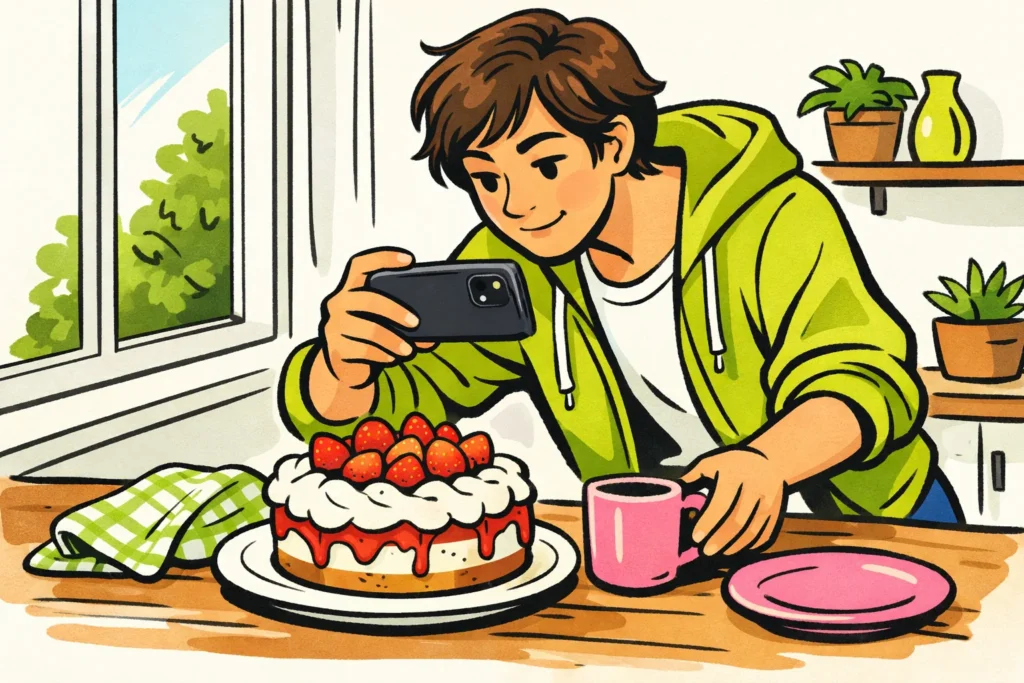
For example, show your homemade cake first and then how you decorated it. This immediately tells someone what your video is about.
3. Choose a photo, carousel or Reel for your Instagram post
Choose the format that best suits your subject. Reels, Instagram’s short videos, do not automatically generate more likes than photos. A carousel is a post with multiple photos or videos that you swipe through.
| Format | Useful when | Example to try |
|---|---|---|
| Single photo | One image tells the story | A portrait with a short personal explanation |
| Carousel | You want to show multiple images or steps | Your balcony before, during and after planting |
| Reel | Movement or sound is important | A short video demonstrating a drawing technique |
Try two formats with comparable subjects. Preferably compare two posts about cooking rather than a cooking video with a holiday photo. Otherwise, you will not know whether the difference is caused by the subject or the format.
Is the sound in your video not working? Then read the explanation about Instagram music not working. Choose music that suits your video, not just because you expect it to bring extra likes.
4. Write an Instagram caption that adds something
In your caption, explain what the photo does not show. Why did you make something? What went differently than expected? Or why did you choose this particular colour? A caption is also called a description.
For a handmade cabinet, you could write: “The colour looked much calmer in the shop. Now I am unsure: should I leave it like this or paint it white after all?” This gives people something specific to respond to.
Only ask a question if you want to know the answer. A short explanation may also be enough. Do not post standalone requests such as “Like my photo” under other people’s posts.
5. Choose Instagram hashtags that describe your post
Hashtags are words preceded by a #. Use them as labels for the subject of your post. They do not guarantee extra likes.
For a photo of your allotment garden in Utrecht, you could try #volkstuin, #moestuin and #utrecht Do not use popular words if they have nothing to do with your photo.
Keep a short list of relevant hashtags and choose from it for each post. Test them with comparable posts. One good or bad result does not yet show whether they help you.
6. Test which Instagram posting time suits your followers
There is no best posting time that works for everyone in the Netherlands and Belgium. Your friends may look during lunch. Other followers may only have time after work or study.
- Choose two times when your followers may have time, for example around lunch and in the evening.
- Post several comparable messages at both times.
- Wait the same amount of time for each post before recording the likes.
- Choose the time that fits your results and your own daily schedule.
Can you see in your account statistics when your followers are active? Start with those times. If you cannot see that information, choose two times to test yourself.
Also keep the number of posts manageable, for example two per week. This means you do not have to keep posting when you do not yet have a clear idea.
7. Respond on Instagram without spamming
Answer questions under your own post when it suits you. Ask follow up questions if someone shares something interesting. You do not have to be available all day for this.
Does someone ask which paint you used for that cabinet? Name the paint and share something useful about applying it. This answers the question better than just leaving a heart.
Also respond to posts that you genuinely like. Write something about what you see or read instead of pasting the same text under twenty photos.
Exchanging likes by agreement makes your results less clear. It becomes harder to see which posts people appreciate on their own.
8. Compare your Instagram likes with a simple test plan
Test one choice for four weeks, for example a single photo versus a carousel. Post one message in each format every week and alternate the order. Keep the subjects and posting times as comparable as possible.
Record the results after the same period each time, for example after three days. For each post, record the following:
- The subject
- The format: photo, carousel or Reel
- The posting time
- The number of likes
- The number of followers at the time of posting
This is a small test. The result does not prove that one format always works better.
Did your number of followers change during the test? Then you can compare the number of likes as a percentage of your number of followers:
Number of likes ÷ number of followers × 100 = likes as a percentage of your number of followers.
| Fictional post | Likes | Followers | Calculation |
|---|---|---|---|
| Photo A | 40 | 800 | 40 ÷ 800 × 100 = 5% |
| Carousel B | 54 | 900 | 54 ÷ 900 × 100 = 6% |
Carousel B has more likes in this example, including in relation to the number of followers. But that does not mean that 6% of your followers liked it. People who do not follow you can also like your post. This calculation also does not tell you how many people saw your post.
Alongside likes, also look at how often people comment, share and save your post. Metricool’s overview of Instagram trends for 2026 discusses these actions alongside likes based on its own worldwide research. This is not an official explanation from Instagram.
Do you want to compare different types of actions together? Then use the tool for calculating Instagram engagement. Engagement here means the actions people take on your post, such as liking or commenting.
You can also calculate it yourself. A fictional example: 40 likes + 6 comments + 4 saves + 2 shares = 52 actions. With 800 followers, the calculation is: 52 ÷ 800 × 100 = 6,5%.
Those 52 actions are not the same as 52 different people. One person may, for example, like and comment. Include the same types of actions in every comparison and always use the same calculation.
Would you like to place less emphasis on the public number of likes? Then read about hiding Instagram likes.
Does buying Instagram likes help?
Purchased likes do not help you discover which photos and videos your followers appreciate. They actually make that comparison less clear. A higher visible number is not the same as genuine attention, reaching more people without paying or gaining new customers.
Are you still considering buying Instagram likes for the visible number? Check the price and terms beforehand. Do not assume that the purchase will also bring extra comments or new followers. To compare quantities and prices, explore our Instagram services, including packages for likes and followers.
Keep posts with purchased likes out of your test. Otherwise, you are comparing purchased numbers with likes that people gave on their own. Do you want to know what appeals to your followers? Choose one of the eight tips and compare the results of your next posts.