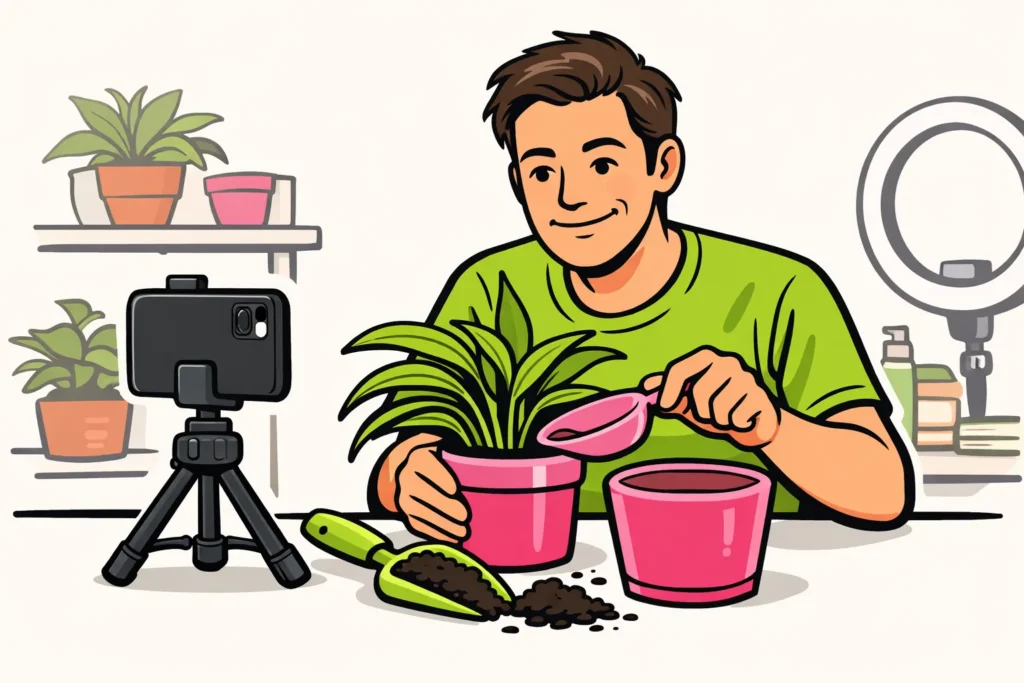
You can go live on TikTok if your account has access to LIVE. Open the app and check whether you can select LIVE. Is that option missing? Then check the age and follower requirements. If you do have access, first set up your phone and check your video and audio before you begin.
Below, you will read what to pay attention to and how to prepare your first broadcast.
What requirements apply to TikTok LIVE?
First check your age and the number of followers TikTok requires.
How old do you need to be?
According to TikTok’s explanation of the age requirement for LIVE you must be at least 18 years old to go live yourself. You therefore cannot use older tips that mention 16 as a starting point.
How many followers do you need?
TikTok mentions 1.000 followers, but says that the threshold may vary by region. This is stated in the official explanation of TikTok LIVE, where you will also find the starting steps.
Therefore, do not assume that 1.000 followers will certainly give you access. Check which requirement TikTok shows for your account.
How do you start a TikTok LIVE?
Can you select LIVE in the app? Then prepare your broadcast in this order:
- Choose one topic. Think about what you want to show or discuss. For example, you could show how you repot a plant.
- Place your phone securely. Use a stand and make sure your face or hands are clearly visible.
- Test your video and audio. Make a short regular test video. Listen to check that you can be heard clearly. Also check whether any private information is visible.
- Open LIVE. Read the options and any messages on the screen before starting the broadcast.
Do you not know where the LIVE button is? Then view the official starting guide at the link above. If the option is still missing afterwards, first check whether you have access.
Why can’t I go live on TikTok?
If LIVE is missing, you do not yet know why. Go through these points to determine what you can do.
| What is your situation? | What can you do? |
|---|---|
| You are not yet 18. | Wait until you meet the age requirement. Entering an incorrect date of birth is not a solution. |
| You have fewer followers than the stated threshold. | Check which threshold TikTok states for your account or region. |
| You see a message about your access. | Read the entire message and note what TikTok asks or explains. |
| You believe you meet the requirements, but LIVE is missing. | Ask TikTok for help and describe what you see. If necessary, attach a screenshot without private information. |
In your help request, write that you want to start a live broadcast yourself. Also state which country you are in and which message you receive. This makes it clear where you are getting stuck.
How do you prepare your first TikTok LIVE?
Choose a topic that you can cover in a short broadcast. You do not need to fill an hour straight away. Write down three points and place the note next to your phone.
A fictional example for a broadcast about repotting a plant:
- Show the plant and the new pot.
- Explain why you are choosing a different pot.
- Show step by step how you repot the plant.
Also think of your opening sentence in advance. For example: “I am going to repot this plant and show what I pay attention to.” This way, you can start with your topic right away.
Make sure you can continue if viewers do not ask questions. Have you shown or explained everything? Then end the broadcast instead of continuing to talk just because you are still live.
What should you know about TikTok LIVE gifts?
Do you want to use gifts? Then separately check which requirements TikTok shows for your account. Access to LIVE does not automatically mean that you can use all gift features as well.
Read any costs and payment terms before confirming anything. For your first broadcast, you can also focus only on your topic, video and audio.
More questions about TikTok
Do you want to know more about your account or viewers? Then read on: