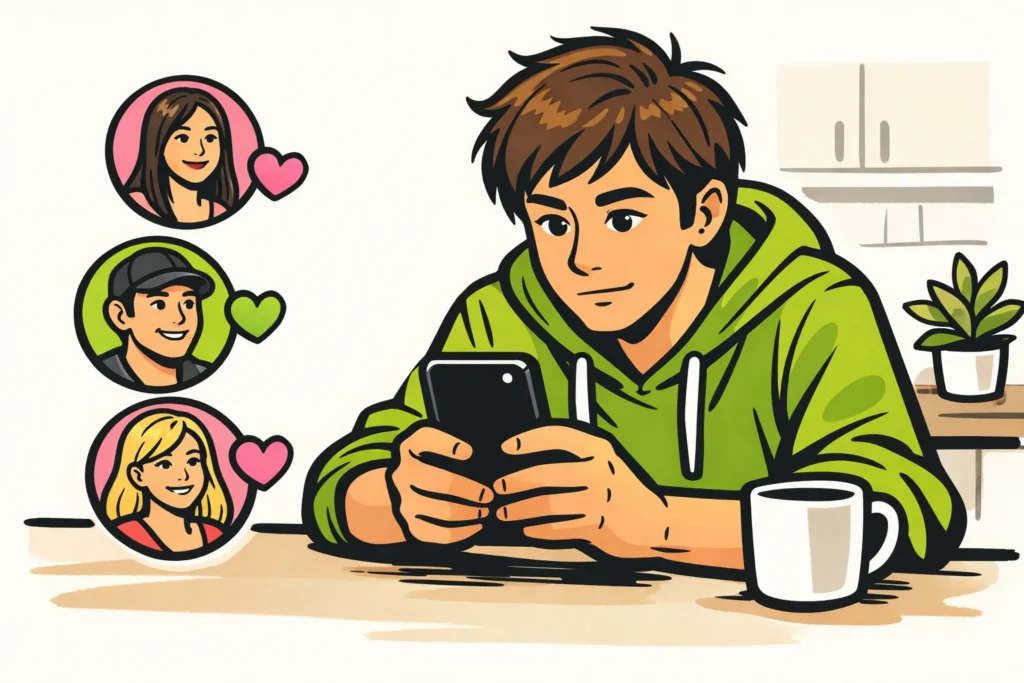
Yes, you can see who liked your own TikTok video, but do not always expect a complete list. First open the video on your profile and see what information about likes you can view. Note: the Liked videos tab shows which videos you like. It is not about likes on your videos.
Below, you will read where to look and what others can and cannot see.
Where can you see who liked your own TikTok?
Start with the video you want to check. The Business Insider’s explanation of who liked your TikTok names a video on your own profile as the starting point.
- Open TikTok and go to your profile.
- Open the video whose likes you want to view.
- Check whether you can open a list of likes with account names for that video.
- Do you see only a number? Then you can see the number of likes, but not who gave them.
The location or button may differ. If you do not see any names, you cannot determine on that screen who gave all the likes. Do not tap the heart at random: that gives a like instead of opening information about likes.
What is the difference between TikTok likes and notifications?
A number of hearts, a notification, and a list of accounts each tell you something different. That difference matters if you want to know whether a particular person likes your video.
| What do you see? | What does it tell you? |
|---|---|
| A number of likes | How many likes the video has, without names. |
| A notification about a like | That an account gave a like. The notification is not a complete list. |
| A list of accounts | Which accounts in that list liked your video. |
| Liked videos on your profile | Which videos you liked yourself. |
Suppose you receive a notification that a friend likes your cooking video. Then you know that friend gave it a like, but not yet who the other hearts belong to. Also check that the notification really concerns that cooking video.
Who can see your liked TikTok videos?
You can choose who sees the videos you have liked. According to TikTok’s explanation of liked videos those videos appear in the Liked videos tab on your profile.
Want to keep this collection private? Look for Liked videos in your privacy settings. Check who is currently allowed to see the collection and choose from the available options who gets access.
This setting is not about the people who like your own videos. It only determines who can view your collection of liked videos.
Hiding that collection is also not the same as liking anonymously. Do not assume that the creator of a video therefore cannot see your like.
Can you see who liked someone else’s TikTok?
Do not count on seeing a complete list of names on someone else’s video. A visible number of hearts does not mean that you can also view all the accounts behind those likes.
The Liked videos tab on someone’s profile does not help with that. It concerns videos that person likes themselves.
Want to know whether a friend liked a particular video? Ask that friend if TikTok does not make it clear. You cannot infer it from the total number of likes.
What can you do if TikTok likes are missing?
Seeing fewer names than you expect based on the hearts? First check whether you are comparing the same information.
- Check which video you are viewing. A notification may concern another video.
- See what the screen shows. A notification about a like is not an overview of all likes.
- Open the video again. Check whether the screen then shows different information.
- Is the overview still missing? Check whether an app update is available. You can also report the problem through TikTok’s help section.
These steps do not guarantee a complete list. A difference between the number of hearts and the number of visible names does not, by itself, explain why names are missing.
Can other apps show hidden TikTok likes?
Do not trust an app or website that promises to show all hidden likes. That promise does not prove that the service has access to such information.
Do not provide your TikTok password or login code for this. Even if a service displays names, you still do not know whether they really correspond to the likes on your video. Stick to the information TikTok itself displays.
What do TikTok likes tell you about other activity?
A like does not tell you whether someone also visited your profile, shared your video, or viewed your story. Those are separate actions.
Looking for that information instead? Continue with the question you have:















