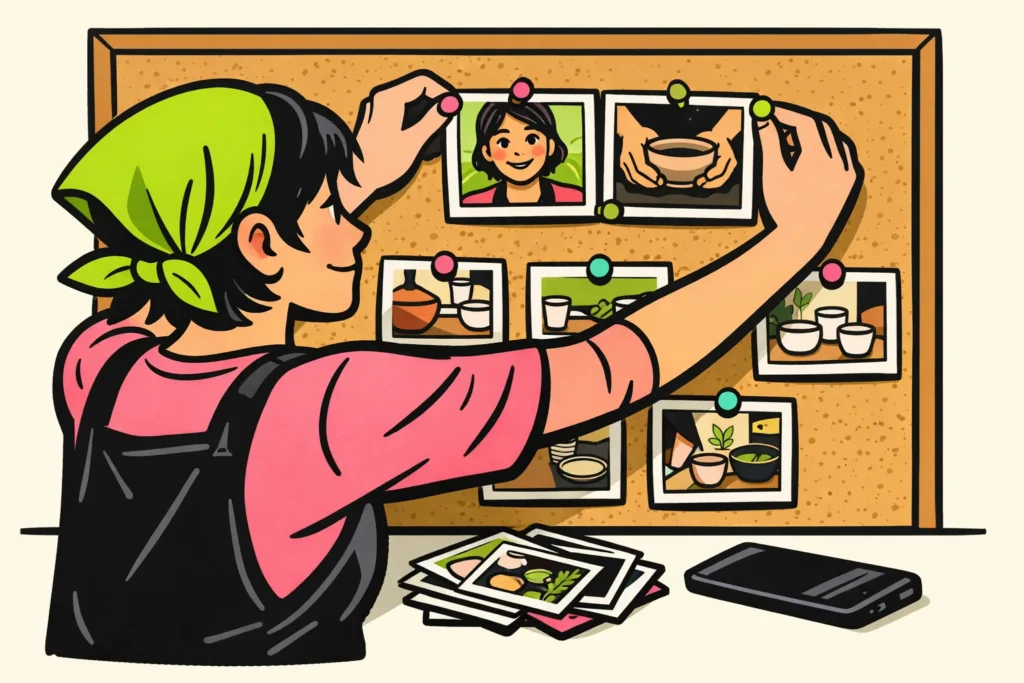
You pin an Instagram post through the menu for your own photo, video or Reel. The post then gets a place at the top of your profile. Go to your profile, open the post and look in the menu for the option to pin it. The name of that option may vary by app version.
Below, you’ll read the steps, which posts you can choose and what you can try if the option is missing.
What happens when you pin an Instagram post?
Pinning lets you choose which posts visitors see at the top of your profile. A post stays visible in that spot, even when you share newer photos and videos.
The official Meta announcement from 2022 mentions up to three pinned posts, including Reels. Check your app to see which options you currently have.
Suppose someone arrives at your profile through a standalone video. That person does not know you yet. A short introduction at the top then shows who you are and what you share.
Pinning is about your profile. It does not mean your post appears more often among other people’s posts. Use it to show visitors something, not to expect extra reach.
How to pin an Instagram post or Reel
Choose a post that is already on your own account. You find the function in that post’s menu. The name and location of the option may vary.
- Go to your profile. Check that you have opened the account where the post is located.
- Open your photo, video or Reel. Choose something you want to show at the top.
- Open the post’s menu. Look for the option to pin the post to your profile.
- Choose that option if you see it. Go back to your profile and check whether the post is at the top.
Want to pin a Reel? Start on your profile as well. Choose a video that a new visitor can quickly understand. Also check what the cover looks like among your other posts. You do not need to create a series of matching images.
Pinning several posts? Check your profile again after each change. Do not make your explanation depend on a fixed left to right order. Each post should also be understandable on its own.
Which three Instagram posts should you put at the top?
Choose posts that each tell visitors something different about your account. Three nearly identical photos add less than an introduction, a good example and useful information. Also Cultuur+Ondernemen advises creators to pin important posts at the top of their profile.
These three types of posts can help you get started:
| Post type | Visitor’s question | What do you show? |
|---|---|---|
| Introduction | Who are you and what do you share? | A short explanation about yourself or your work. |
| Good example | What can I expect here? | A photo, explanation or video that fits your account well. |
| Current information | What is useful to know now? | An ongoing series, activity or answer to a frequently asked question. |
Example for a personal account
Suppose you share photos of hikes. You could pin an introduction, a favourite hiking route and a post about what you bring along. This lets a visitor see more of your account than they would from three similar forest photos.
Example for a creator or local shop
A fictional ceramic artist could choose an introduction, a video of the making process and information about an upcoming workshop. After the workshop, another post could take its place.
Not sure what you want to show on your profile? Read why you should use Instagram. Once you know what you want to share, choosing becomes easier.
When should you replace a pinned Instagram post?
Replace a post when the information is no longer correct or when another post would be more useful for visitors. An old post does not have to be removed just because it is old. An introduction may remain useful longer than an announcement.
- An activity is over. Free up the spot when the announcement is no longer needed.
- Something has changed. Check whether your topics, offerings or opening hours are still correct.
- You often receive the same question. Consider a post with a clear answer.
- You have a better example. Choose a new post if it shows what you currently make or share better.
To unpin a post, open that post’s menu again. Look for the option to remove the pin. Read the wording carefully: do not choose delete if you only want to change the spot at the top.
Then check your profile. Is the information still correct? Are the posts not all saying the same thing? The post with the most likes is not automatically the best introduction.
What do you do if pinning is missing on Instagram?
Can’t see the option? First check where you are looking. Without examining your app, it is not possible to determine the cause.
- Check your account. Open one of your own posts on the profile you want to change.
- Check the post type. These steps apply to photos, videos and Reels, not Stories or comments.
- Open the post’s menu. Look for an option that describes pinning to your profile.
- Check whether there is an app update. Install it if necessary and open Instagram again. This may help with checking, but it is not a guaranteed solution.
Is the option still missing? Consult the help section within Instagram. Mention which type of post you want to pin and which options you can see. This makes it clearer where you are stuck.
How do you check whether pinned Instagram posts help?
Start by asking whether your profile has become clearer. Ask someone who rarely views your account to look briefly at your profile. Then ask what that person thinks you share and which post invites them to keep looking.
Want to try different choices? Replace one pinned post at a time. Note the date and what you changed. This lets you see later which choice may have made a difference.
Does your account show statistics? Compare similar periods, such as two fourteen day periods. Also note other differences. Perhaps you posted more videos during one period or had a well attended activity. This can make it harder to see whether pinning changed anything.
More profile visits or likes after a change do not prove that pinning was the cause. The number of actions is also not always the number of unique people.
Do you also want to know how to get more followers? Then read the separate guide about getting 1000 Instagram followers. That is a different question: pinning mainly lets you choose what visitors see first on your profile. If you are also considering paid options, our Instagram services lets you compare packages for views and followers, including the available quantities and prices.
























