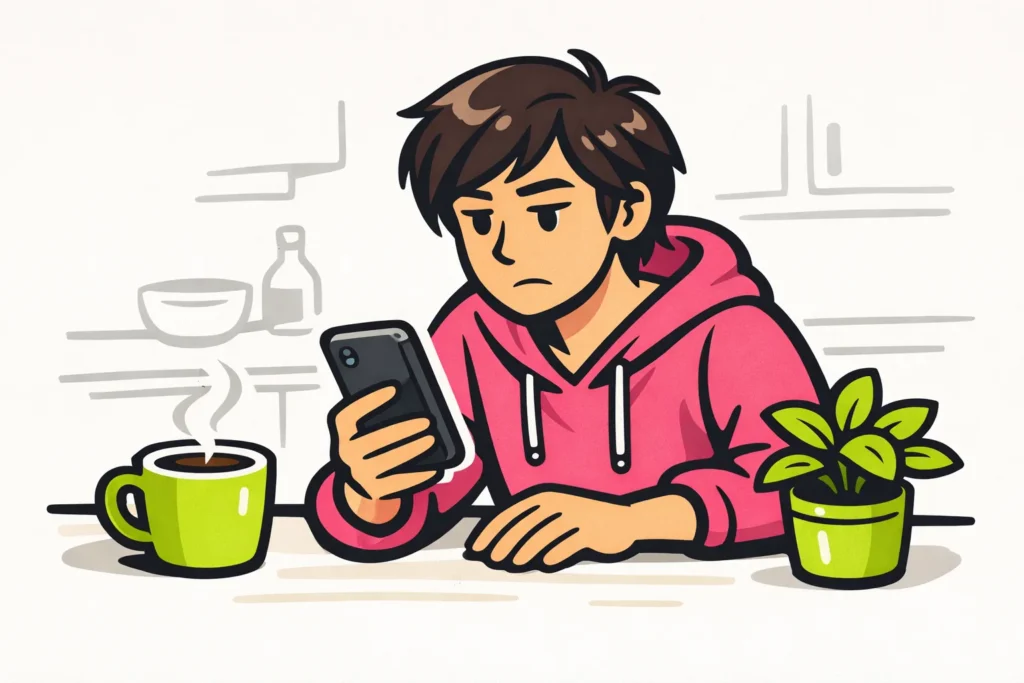
If you can’t unfollow someone on Instagram, it may be due to a temporary block, an outage or a problem with the app or your connection. Don’t keep tapping unfollow repeatedly. Read the error message first, if there is one. If you’re blocked, it’s better to wait. Don’t see a message? Check your app and connection.
Below, you’ll learn what to look out for and which steps you can try.
Why can’t you unfollow on Instagram?
First, pay attention to what happens. Does the button not respond, do you get a warning or does the account still appear in your following list after you unfollow? That difference helps you decide what to do first.
| What do you notice? | What could be the cause? | What should you do first? |
|---|---|---|
| You get a message saying that an action is temporarily not allowed. | Instagram is temporarily stopping the action. | Stop unfollowing and read the entire message. |
| The button doesn’t respond and other sections load poorly. | A problem with the app, your connection or Instagram itself. | Check whether other apps and websites load properly. |
| After refreshing, it looks as though you’re still following the account. | The change may not have been processed or may not be visible yet. | Close the app and check again later. |
| You also see unfamiliar accounts that you’re following or suspicious logins. | Someone or a connected service may have access to your account. | Check your account security first. |
These signs point to a possible cause, but they don’t prove it. Can’t you follow someone either? Then read why you can’t follow someone on Instagram. You don’t need to keep trying new actions to test what still works.
How long does an unfollow block last?
There is no fixed waiting period that applies to every account. Is an end time or date included in the message? Follow that information. Without an end time, you can’t know in advance when unfollowing will work again. A block therefore doesn’t always end after 24 hours.
With an action block, Instagram temporarily stops a particular action, such as unfollowing. This is different from being unable to log in. It also does not prove that fewer people are seeing your posts. So don’t immediately call it a shadowban. That term is often used for reduced visibility without a clear message.
- Stop unfollowing for as long as you receive the message.
- Don’t try to bypass the block through another app or device.
- Pause services that automatically perform actions on your account, if you use any.
- Take a screenshot of the message if you want to report the problem later.
Clearing the cache, the app’s temporary storage, can sometimes help with an app problem. Logging out or reinstalling can also help. These are not reliable ways to remove a block from your account.
Is there a daily limit for unfollowing on Instagram?
You’ll find all kinds of hourly or daily figures online. Don’t assume they’re safe for your account. Hooleft writes about daily unfollow limits that Instagram does not publish a fixed daily unfollow limit. Hooleft is a commercial source; this is not official confirmation from Instagram.
Another figure refers to something else: the official explanation of the maximum number of accounts followed mentions a maximum of 7.500 accounts. That concerns how many accounts you follow, not how many you can unfollow per day.
A schedule with a fixed number of unfollow actions therefore does not guarantee that you won’t be blocked. Choose which accounts you no longer want to follow. Stop when you see a warning instead of testing how many actions still work.
What can you check if the unfollow button doesn’t work?
Don’t see a message about a block? Then go through these steps. Change one thing at a time so you can tell what helps.
- Check your connection. Open a regular website. Does it also load poorly? Try another trusted connection to see whether the problem is there.
- Fully close Instagram and reopen the app. Check the profile before tapping unfollow again. Your previous attempt may already have been processed.
- Check whether an Instagram update is available. Use your phone’s official app store for this.
- Open Instagram in your browser. Does the website work while the app keeps freezing? Then the problem is more likely with the app. Don’t use the browser to bypass a reported block.
- Check whether other features are also working poorly. Are profiles and posts not loading properly? Then there may be more going on than an unfollowing problem. If you suspect an outage, repeatedly trying won’t help much.
For example, can’t you also post an Instagram story? Then more than just the unfollow button is not working properly. That still doesn’t prove there is a general outage.
Does the problem persist? Report it through Instagram’s help options. Describe what you do, what happens afterwards and when you first noticed it. Include the exact error message. Can’t you find the reporting option? Search the help section for reporting a problem. The layout may differ between versions.
Check your account for unfamiliar activity
Do you see accounts you didn’t follow yourself or logins you don’t recognize? Check which devices and connected services have access to your account.
Remove unfamiliar access and change your password. Also turn on additional login security. You’ll then use a second confirmation alongside your password to log in. These steps help you check your account security, but they won’t remove an unfollow block immediately.
How can you clean up your Instagram following list?
Only start unfollowing again once the message is gone and Instagram responds normally. Not sure exactly how it works? Then read the explanation of unfollowing someone on Instagram.
Suppose you still follow accounts from an old hobby, a past event and former friends. Start with one of those groups. Check each profile to see whether you still want to view its posts. Unsure? You can leave the account in your list or mute it.
- Unfollow manually, without trying to reach a fixed number for that day.
- Wait before taking another action if the previous one still seems to be loading.
- Stop when you see an error message or if the app behaves differently than you expect.
- Don’t use a tool that promises to clear your entire following list automatically.
When is muting better than unfollowing?
Muting is suitable if you want to see fewer posts from someone but still want to follow the account. Think of an acquaintance whose daily updates you don’t want to view in full. By muting, you choose not to see certain content in your regular feed.
Do you no longer want to follow the account at all? Then unfollowing is more suitable. Restricting and blocking are mainly about contact with someone:
- Mute: you want to see less content from someone.
- Unfollow: you don’t want the account in your following list anymore.
- Restrict: you want more control over someone’s comments and messages.
- Block: you want to prevent contact through that account.
These options don’t remove an unfollow block. Use them only if they match what you want to change. Once your account is working as intended, you can explore our Instagram services to compare packages for followers and likes for your public profile or content.