
Instants is an announced new Instagram feature. It has not been confirmed for every account whether you can already use it in the Netherlands or Belgium. First check whether you can see the option in your own app. Read the explanation and check who you are sharing something with before sending a photo.
Below, you can read what Instants does, how to check its availability and how to try an Instagram update.
What does the new Instagram feature Instants do?
According to the Instants announcement you share photos of the moment with close friends or mutual followers. The photos disappear after being opened and are no longer available after 24 hours.
Mutual followers are people you follow who also follow you. This does not have to be the same group as your close friends. So check which group you choose.
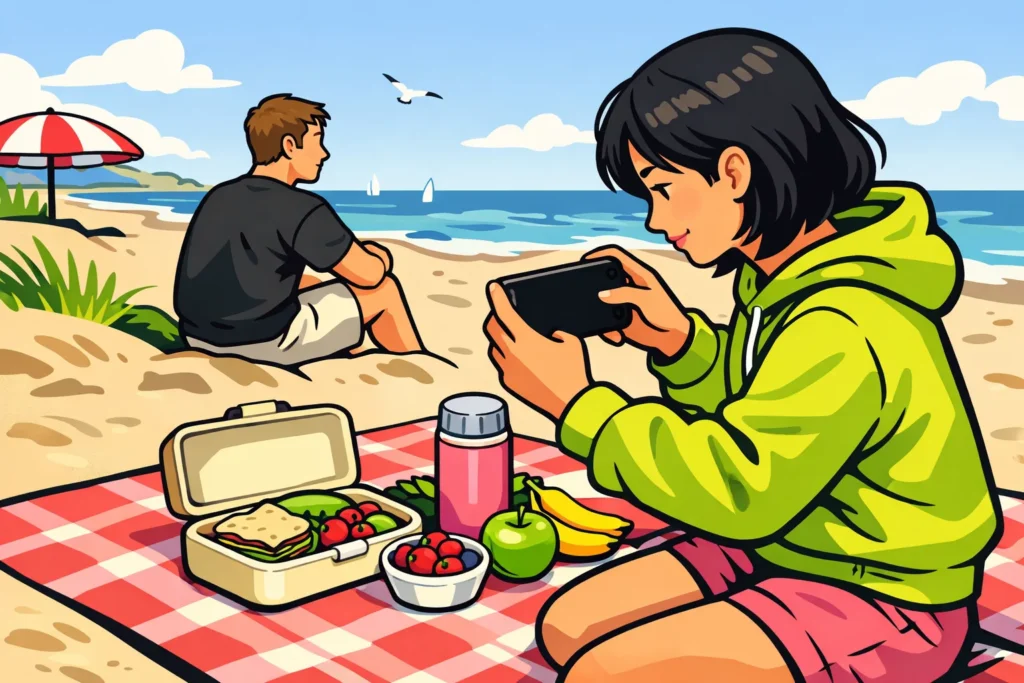
Suppose you are spending a day at the beach and want to share a photo of your picnic. Do not only consider who will receive the photo, but also what is in it. Are any strangers recognisable? Are there personal belongings visible that you would rather not show?
Go through these points on your first attempt:
- View the photo. What can others see in it?
- Check the recipients. Is it clear who will receive the photo?
- Read the explanation in the app. Do you understand what happens once you share?
- Do not share yet if you are unsure. First find out what an option does.
A photo that disappears is not a safe place for sensitive information. Here too, choose a photo that someone is allowed to keep of you.
Which new Instagram features can you use in the Netherlands and Belgium?
It has not been clearly confirmed which Dutch and Belgian accounts have access to Instants. So the announcement does not mean the feature is already in your app.
You can find new announcements in the official overview of Instagram news from Meta. For a post, check the date and read which countries or users the feature is announced for.
| What do you see? | What can you do? |
|---|---|
| An official announcement | Read who the feature is intended for. Do not rely only on the headline. |
| The feature on a friend’s phone | Also check your own account. On your friend’s account, you can only see what is available there. |
| A new option in your own app | Read the explanation and check who can see your message or photo. |
| No new option | Check whether an update for the app is available. Is the option still missing afterwards? Then do not yet make plans that depend on it. |
Updating the app does not guarantee that an announced feature will appear. Do you want to invite friends to use a new option? First check whether they have it too.
Do you use Instagram for work? First try the feature with something that does not need to appear at a set time. This way, an important announcement does not depend on an option you do not yet know.
How do you test an Instagram update and compare the results?
First check whether the feature does what you need. Do you want to share a photo with friends? Then what matters most is whether the right people receive it. Not every update is intended to reach more people.
Are you trying a new feature for public posts and want to compare the results? Then change as little as possible at the same time:
- Choose one question. For example: do I get more comments on my photo with this way of posting?
- Choose comparable posts. For example, use two photos of something you cooked. Do not compare a holiday video with a birthday photo.
- Measure after the same amount of time. Record the results for both posts after, for example, 48 hours.
- Record any extra attention. Note if you also share one post somewhere else or pay to have it shown more often.
- Repeat the test. One popular post does not prove that the new feature made the difference.
If your statistics show these data, you can compare reach and actions separately. Here, reach means the number of unique accounts that saw your post. Each account is counted once. Likes and comments are actions. One account can perform multiple actions.
Fictional calculation example: you compare two posts after 48 hours. You count only likes and comments as actions. To calculate the number of actions per 100 accounts reached, divide the actions by the reach. Then multiply the result by 100.
| Post | Accounts reached | Likes and comments | Actions per 100 accounts reached |
|---|---|---|---|
| Without the new feature | 800 | 40 + 8 = 48 | 48 ÷ 800 × 100 = 6 |
| With the new feature | 1.000 | 50 + 10 = 60 | 60 ÷ 1.000 × 100 = 6 |
The second post reached more accounts and received more actions. Nevertheless, the ratio remained the same: six actions per one hundred accounts reached.
That does not mean six per cent of people responded. One person can like and comment. The example also does not prove that the greater reach was caused by the update.
More information about Instagram features and your account
Would you like to know more about your profile, a new account or your followers? Continue with your question:
- Can you see who views your Instagram profile? Information about profile visitors.
- Why can’t you create a new Instagram account? Help with creating an account.
- How can you work towards 1000 Instagram followers? Information about building your follower count.