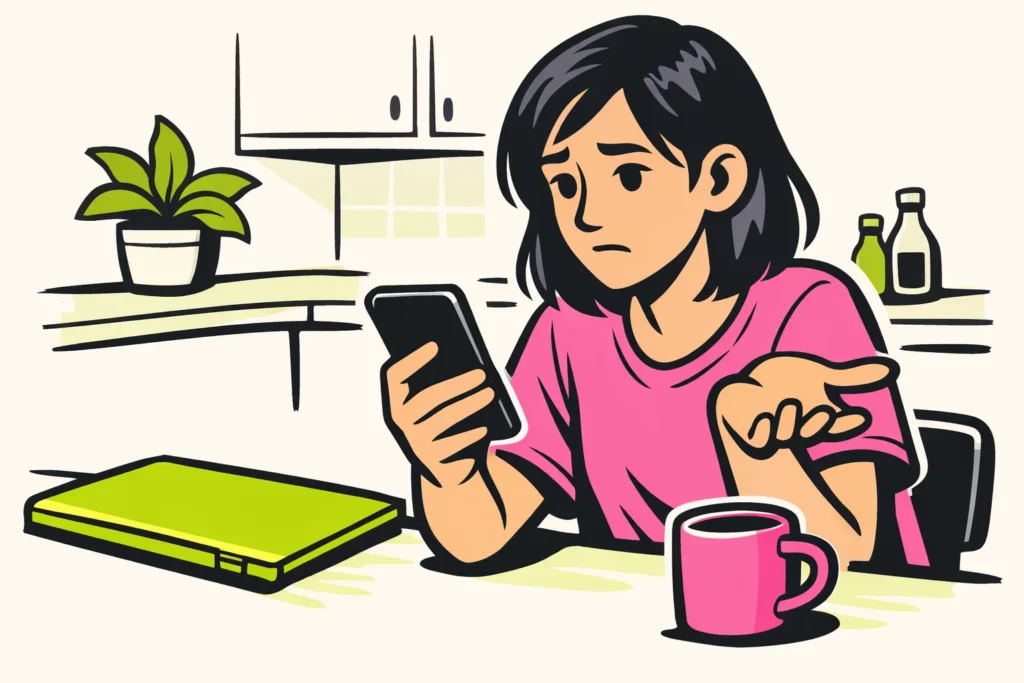
If you can’t add someone on Facebook, it may be due to the other person’s settings, an earlier request or a restriction. Something may also have gone wrong while loading. First, open the profile: is the button missing, has your request already been sent or do you see a notification? A missing button does not immediately mean that you have been blocked.
Choose what you see below and read what you can do.
You can’t add someone on Facebook: what do you see?
View the profile of the person you want to add. This table shows which check matches what you see. It still does not tell you the cause with certainty.
| What do you see? | What do you check? | What do you do next? |
|---|---|---|
| No Add Friend button | Do you have the right profile? Is there anything about an earlier request? | Read below how the settings may play a role. |
| Your request has already been sent | Is the request still pending? | Wait for a response. |
| A notification about a limit or restriction | What reason does Facebook give? Does it say how long the restriction will last? | Follow the instructions in the notification. |
| The profile won’t open | Do other profiles open? | Check whether Facebook works otherwise before assuming that you have been blocked. |
| The button does not respond or you see a general error | Does Facebook otherwise work normally? | Try the checks at the bottom of this article. |
No Add Friend button on Facebook
The Facebook explanation of who may send friend requests mentions two choices: ‘Everyone’ and ‘Friends of friends’.
Has the other person chosen ‘Friends of friends’ and do you have no mutual friends? That may explain why you cannot add that person. The missing button alone does not show which setting was chosen.
Suppose you want to add someone from your sports group, but you have no mutual friends on Facebook. This setting may be the reason it does not work. It does not automatically mean that the person has rejected you.
Do you already have contact elsewhere? Ask once whether the other person would like to add you. That person does not need to make the settings more open for everyone.
Your Facebook ffriend request is still pending
Does it say that your request has already been sent? Then you do not need to send it again. You can wait for a response.
According to the SeniorWeb explanation of friend requests you can cancel a request while it has not been accepted. If someone declines your request, you will not receive a notification about it.
No response therefore does not tell you why someone is not replying. Perhaps the other person has not seen your request or wants to decide later. It is also possible that the person does not want to add you.
Do you no longer want to leave the request pending? Check whether you can choose to cancel the pending request. Do not cancel it just to send it again immediately. That will not tell you why there has been no response.
Facebook reports a friend limit or temporary restriction
Does Facebook mention a friend limit? Check whether the notification concerns your account or the other person’s account. Do not remove friends at random to test whether adding someone will then work. First read exactly what the notification says.
Are you temporarily unable to send friend requests? Check whether Facebook gives a reason and says how long this will last or what you can do. Do not keep pressing the button and do not try to bypass the restriction through another account.
You cannot assume that the restriction will be over after 24 or 48 hours. If the notification does not mention an end time, you do not know when you can add someone again.
Consider saving a screenshot of the notification. It may help if you report the problem to Facebook later. Do not share the other person’s private information.
The Facebook profile won’t open: have you been blocked?
A profile that does not open does not prove that someone has blocked you. The profile may also no longer be available, or something may have gone wrong while loading.
Try opening a few other profiles. If almost nothing works, check your connection and the app using the steps below. If only this profile does not open, you still do not know the cause.
Did you previously block that person yourself? Check your own block list in the settings. Change this only if you want to contact the person again.
Do not use a second account to bypass a possible block. Do you already have contact outside Facebook? You can then use that usual way of contacting the person to ask whether you have the right profile.
What can you try if adding someone on Facebook isn’t working?
Do you see no clear notification and does the button not respond? Then go through these steps:
- Check that you have the right profile. Do the name, photo and other recognisable details match the person you are looking for?
- Check what it says about the request. If it has already been sent, you do not need to try again.
- Reload Facebook. Close the app and open it again. If you use a browser, refresh the page.
- Check your connection. Open another website to see whether your internet is working.
- Compare the app and the browser. Open the same profile with the same account. This allows you to check whether loading is failing somewhere. It does not change the other person’s settings.
- Report the problem if it persists. Tell Facebook what you tried and which error message you saw. Never share your password or login code.
Has someone you know suddenly created a second profile and asked for money or a code? Check this through a contact method you already knew. Do you also see unfamiliar activity on your own account? Then read what you can do if your Facebook account has been hacked.