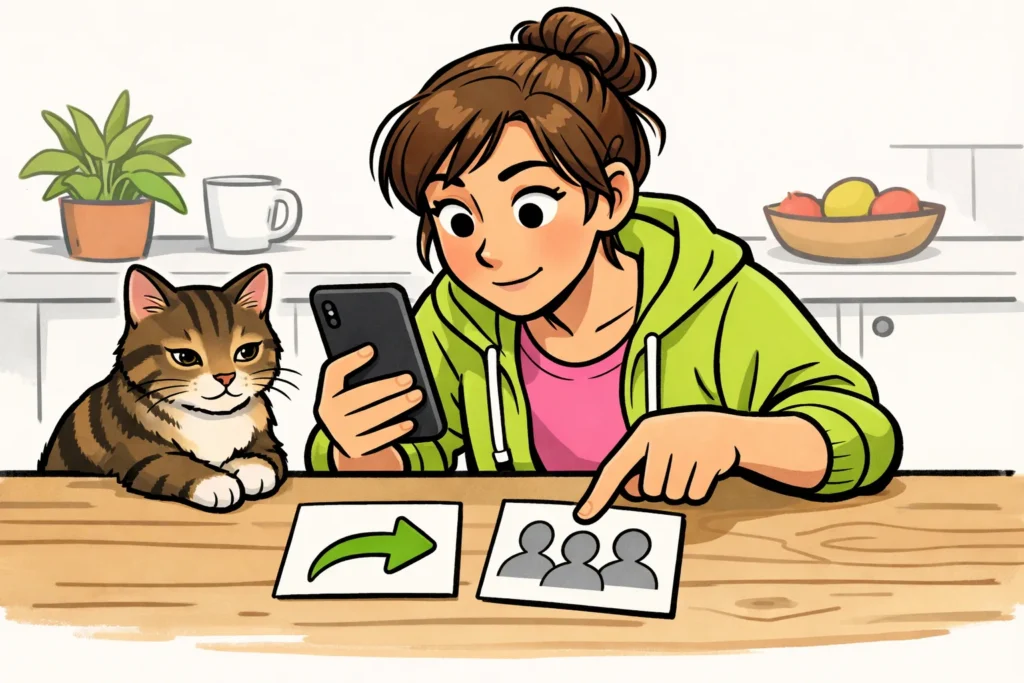
No, TikTok does not show a complete list of people who shared your video. You can check how many times your video was shared. To do this, look at your video’s analytics in TikTok Studio. Sometimes you see a name beside a repost, meaning a video that was posted again. That name only tells you something about that one action.
Below, you’ll read where to find the number and the difference between sharing, reposting and viewing.
Which names do you see when someone shares your TikTok?
The number of shares does not tell you which friend forwarded your video or to whom. A name beside a visible repost only tells you who reposted that video. It does not show who also sent the video through a private message.
A fictional example: you post a video of your cat. A friend writes that they sent it to their sister. You know this from their message, not because TikTok shows you a list of names.
Where can you see how many times your TikTok was shared?
The TikTok explanation of TikTok Studio mentions analytics for likes, shares and views. What you can see may vary by account, region and version.
Shares means here the number of times a video was shared. Want to look this up for one of your own videos? Use these steps as a guide:
- Choose the video you want to check. Pay attention to the first image and posting date so that you select the right video.
- In TikTok Studio, look for the analytics for that video. They are sometimes also called analytics.
- Check whether there is a number beside shares. This is different from views or likes.
- Check whether a period is shown in the overview. Note it down if you want to compare the figures later.
Don’t see a number beside shares? That does not mean your video was shared zero times. It also does not necessarily mean there is something wrong with your account. Check TikTok Studio’s help to see whether this analytics metric is available for your account.
The number of shares is not the number of people
Suppose that, in a fictional example, you see 12 shares. Those are 12 recorded sharing actions. It is not proof that 12 different people forwarded your video. You also do not know how many recipients watched the video afterwards.
Want to compare two of your own videos? Record the number for both videos after the same amount of time following posting, such as after seven days. This way, you compare the same period. The figures still do not tell you why one video was shared more often.
What is the difference between sharing, reposts and mentions on TikTok?
Sharing, reposting and mentioning someone are different actions. The table shows what each action means and what you can infer from it.
| Action | What does it mean? | What do you know about who shares your video? |
|---|---|---|
| Share | Forwarding a video or sharing the link. | The number of shares does not provide a complete list of names. |
| Repost | Bringing an existing video back to people’s attention within TikTok. | A name beside a visible repost belongs to that action, not to every time the video was shared. |
| Mention | Someone mentions your username with an @. | A mention by itself does not prove that your video was forwarded. |
| Private message | A message in a private conversation, possibly with a video. | If someone shares your video in a conversation, you do not automatically become part of that conversation. |
| Post view | Your video was viewed. | A view does not prove that someone also shared the video. |
A like is also a separate action. Want to know who tapped the heart? Then read how to see who liked your TikTok.
Does watch history show who shared your TikTok?
No. The TikTok explanation of post view history is about viewers, not people who share your video. This feature has requirements related to age and follower count.
See a name among the viewers? That person may only have watched. You cannot infer from this that they forwarded your video. Conversely, the number of shares does not tell you which viewer did so.
Want to know whether someone can see that you are watching? Distinguish between a regular video, a profile and a Story. For profiles and Stories, you can read more here:
Can other apps see who shared your TikTok?
Do not automatically trust an app or website that promises to show all the names. A list of names does not prove that the service has real sharing data. The provider must be able to show where that data comes from.
Keep this in mind before entering anything or paying:
- Do not give your TikTok password or login code to a service that promises to show who shared your video.
- Check what access the service requests. Account access does not mean that the service can see hidden names.
- Do not pay just to open a supposedly hidden list of names.
Have you already entered your password on a suspicious site? Change it through TikTok itself. If you use the same password elsewhere, change it there too.
Want to know whether a particular friend forwarded your video? Ask that person directly. Analytics help you see how many times your video was shared, but they do not provide a complete list of who did it.
















