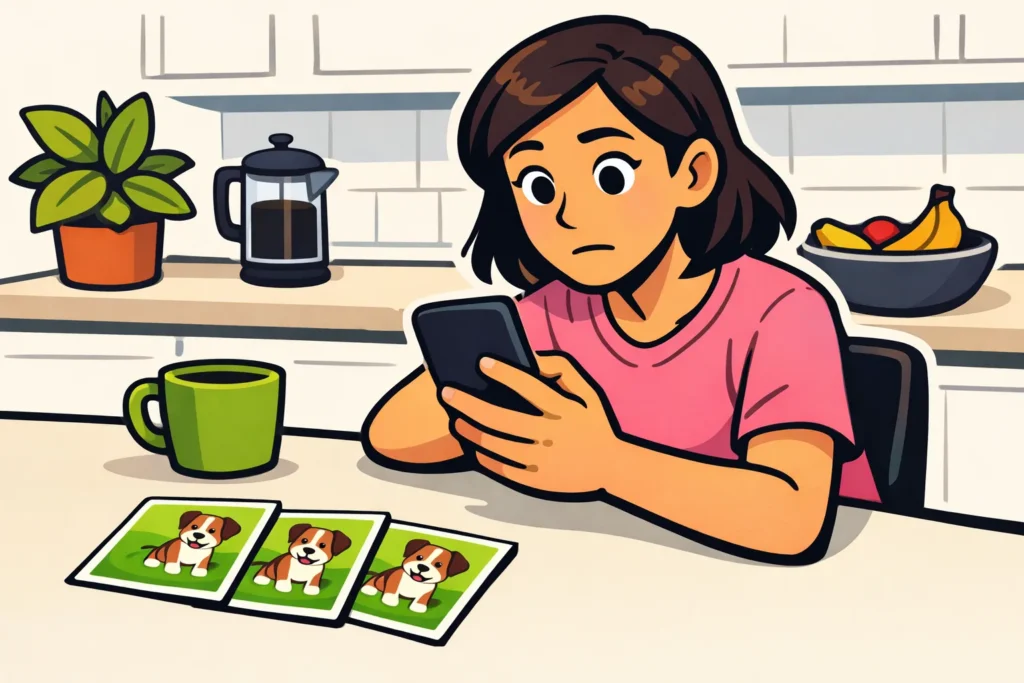
If Instagram Stories keep repeating, the app may not be correctly remembering what you have already viewed. This may be caused by a temporary error in the app or an unstable connection. First, close Instagram completely and reopen the app. Are you still seeing the same Stories? Check your connection and see whether you can update the app.
Below, you will read how to recognize the problem and which steps you can try afterwards.
When does a repeating Story indicate an error?
Seeing the same photo again does not immediately mean that something is wrong. Someone may have posted the photo again. You may also reopen a Story you viewed earlier yourself. So pay attention to what happens when you are not deliberately going back.
Do you have to keep going through the same Stories you have already viewed before seeing anything new? Or does a Story appear as unseen again even though you have just watched it all the way through? That may indicate an error.
Suppose you watch three videos from a friend. Later, a fourth one is added, but you first have to watch the previous three again. Does this happen with multiple accounts? Instagram may not be correctly remembering which Stories you have already seen.
Is Instagram or your phone causing Stories to repeat?
That is not always immediately clear. There may be a bug: an error in the app. Your connection to Instagram may also be temporarily unstable. Use these checks to decide what to try first. They do not provide certainty about the cause.
| What do you notice? | What can you check? |
|---|---|
| Stories repeat and videos load slowly. | Briefly try a different internet connection. |
| It happens with one account. | Check whether that person has posted the same content again. |
| It happens with multiple accounts, but only in your app. | Close the app completely and check for an update. |
| Someone else is experiencing the same problem at the same time. | There may be a larger outage. Do not keep changing your phone settings. |
Did it start after an update? Write that down if you want to report the problem. It is a useful clue, but not proof that the update is the cause.
Also pay attention to the date when reading other people’s experiences online. An old post about repeating Stories does not mean that the same error is occurring now.
What can you do if Instagram Stories start over?
Try one step at a time. Afterwards, watch a Story all the way through and close it. Check later whether Instagram shows the Story as unseen again. This lets you see whether the step helped.
- Close Instagram completely and reopen the app. Simply returning to your phone’s home screen does not close the app.
- Briefly try a different connection. Switch from WiFi to mobile data, or the other way around. Keep an eye on your data allowance. Does it work over the other connection? If so, check your connection first before reinstalling the app.
- Check whether an update is available. Use your phone’s official app store. An update can fix errors, but it may not resolve this problem.
- Restart your phone. Try this before deleting data or removing the app.
- On Android, consider clearing the cache. The cache consists of temporary files that the app stores. Does your phone offer a separate option to clear it? You can try that. Do not choose to clear all app data. If you do not see a separate option or you are unsure, skip this step.
Updating Instagram on Android
Open the official Instagram app in Google Play to check whether you can update the app. Do not use installation files from unknown websites.
Updating Instagram on iPhone
Check the official Instagram app in the App Store to see whether an update is available. On your iPhone, do not look for exactly the same cache clearing option as on Android. If there is no separate option, skip that step.
Logging out or reinstalling is not the first step. If you still want to try that later, first check that you know your password and can receive your login codes. Drafts stored only on your phone may be lost.
When is it better to wait if Stories keep repeating?
If reopening the app, trying a different connection and restarting do not help, it is better to wait for a while, especially if others are experiencing the same problem at the same time. Continuing to change more settings will not help you much then.
You cannot fix an error with Instagram itself using a phone setting. Sometimes Instagram needs to restore the service; sometimes a new version of the app is needed. It cannot be said in advance how long that will take.
Do you want to report the problem through Instagram’s help section? Then collect this information:
- Whether you use an iPhone or Android phone.
- Which version of Instagram you have.
- When the repetition started.
- Whether it happens with one or multiple accounts.
- Which steps you have already tried.
Describe exactly what happens. For example: “After viewing them, the same Stories appear again as unseen.” This makes things clearer than simply saying “Stories do not work”.
What should you avoid doing when Instagram Stories keep repeating?
- Do not reset your phone to factory settings. That is a major intervention when you do not yet know where the problem lies.
- Do not simply clear all app data. That is different from clearing temporary files and may log you out.
- Do not give your login details to a repair service. A website that promises to restore your Stories has no reason to ask for your password.
- Do not change multiple settings at the same time. Otherwise, you will not know which change helped.
More questions about Instagram Stories
Want to save an image and know whether the other person can see that? Read whether Instagram reports screenshots of Stories.
Want to save your own Stories on your profile? See the explanation of creating Instagram Highlights. Want to prepare new Stories in advance? Then read about scheduling Instagram Stories with Hootsuite. These features do not fix Stories repeating.
