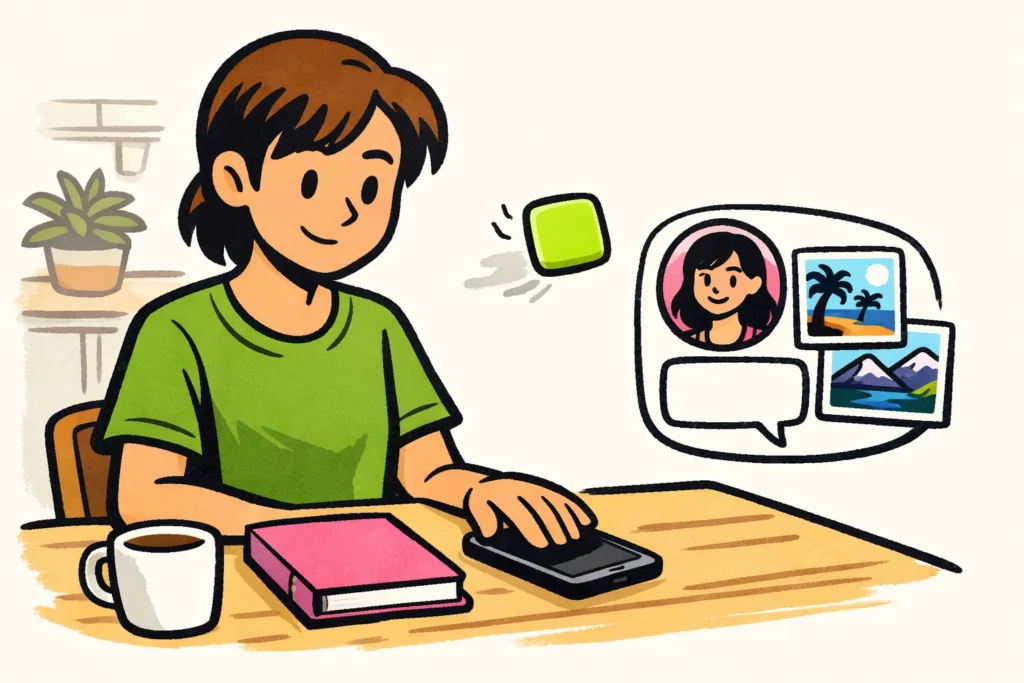
If you delete the Instagram app, your account will continue to exist. Your posted photos, videos, followers and private messages will not disappear. You are only removing the app from your phone. Check beforehand that you can log in again. Also save important drafts separately: photos, videos and texts that you have not posted yet may only be stored on your phone and could be lost.
Read below to find out what remains, what to check beforehand and what you can do if you also want to hide your profile.
What do you delete when you remove the Instagram app?
You are removing the app you use to access Instagram on that phone. Your account is not stored only on your device. That is why removing the app is different from deleting your account.
You can still use Instagram through a browser or on another device. Removing the app from your phone does not automatically log you out everywhere.
Check that you are actually deleting the app. If you only remove the icon from your home screen, the app may still be on your phone.
How much space you free up and which data disappears from your phone depends on your device and how you remove the app. So do not assume that your drafts will return later.
Does your Instagram account remain active and visible?
Yes. Your account remains active and your privacy settings do not change. Anyone who was allowed to see your profile and messages can still view them. Others can also still send you messages.
Suppose you delete Instagram while you are away for a weekend. A friend can still send you a message. You removed the app, but you did not temporarily deactivate your account.
Do you want to limit contact with one person? Read Surfplaza’s explanation of blocking on Instagram. The article is older, so the explanation of the buttons may be outdated.
What happens to your Instagram photos, followers and messages?
Anything stored in your account will not disappear when you remove the app. Drafts that are stored only on your phone may be different.
| Item | What happens if you only remove the app? |
|---|---|
| Posted photos and videos | They remain in your account. |
| Followers and accounts you follow | You do not delete these lists. |
| Sent private messages | You do not withdraw them or delete them from the recipient’s account. |
| Drafts you have not posted yet | They may be lost if they are stored only on your phone. |
| Photos and videos in your phone gallery | Removing the app is not the same as deleting these files. |
Your follower count may change while you are away. For example, someone may unfollow you. That is separate from removing the app.
Do you want to unsend a message? You must do that separately. Instagram has a help page about unsending a sent message. Also read what happens when you unsend a message on Instagram.
Remove the Instagram app, deactivate your account or delete your account?
Do you only want to remove the app from your phone, temporarily hide your profile or stop using your account altogether? Each goal requires a different choice.
| You want to… | Suitable choice | What does this mean? |
|---|---|---|
| Instagram no longer as an app on your phone | Remove the app | Your account continues to exist. Who can see your profile still depends on your privacy settings. |
| Temporarily hide your profile | Deactivate your account | You temporarily turn off your account. |
| Stop using your account | Delete your account | You request that the account itself be deleted. |
Do you want to open Instagram thoughtlessly less often? You do not need to delete your entire account for that. But if you want to hide your profile, removing only the app is not enough.
Whand theactivating or deleting your account, carefully read what Instagram indicates before confirming. Do you no longer know the password for that account? Read more about deleting your Instagram account without a password.
Reinstalling Instagram and logging in again
You can reinstall Instagram later and use your existing account. You therefore do not need to create a new profile.
Check these three things before deleting the app:
- Your login details. Make sure you know which account you use and how to log in to it.
- Access to additional verification. Check that you have access to the linked email address or phone number. Do you use an additional security code? Make sure that you can receive or generate it.
- Your drafts. Save important photos, videos and texts that you have not posted yet separately, where possible.
Do you want to use the app again? Install Instagram through your device’s official app store. Open the app and log in to your existing account. Instagram may request an additional verification. You cannot skip it by reinstalling the app.
Cannot log in? Use the help Instagram provides to log in or recover your account. Do not immediately create a new account. That will not give you access to the photos and messages from your old account.